


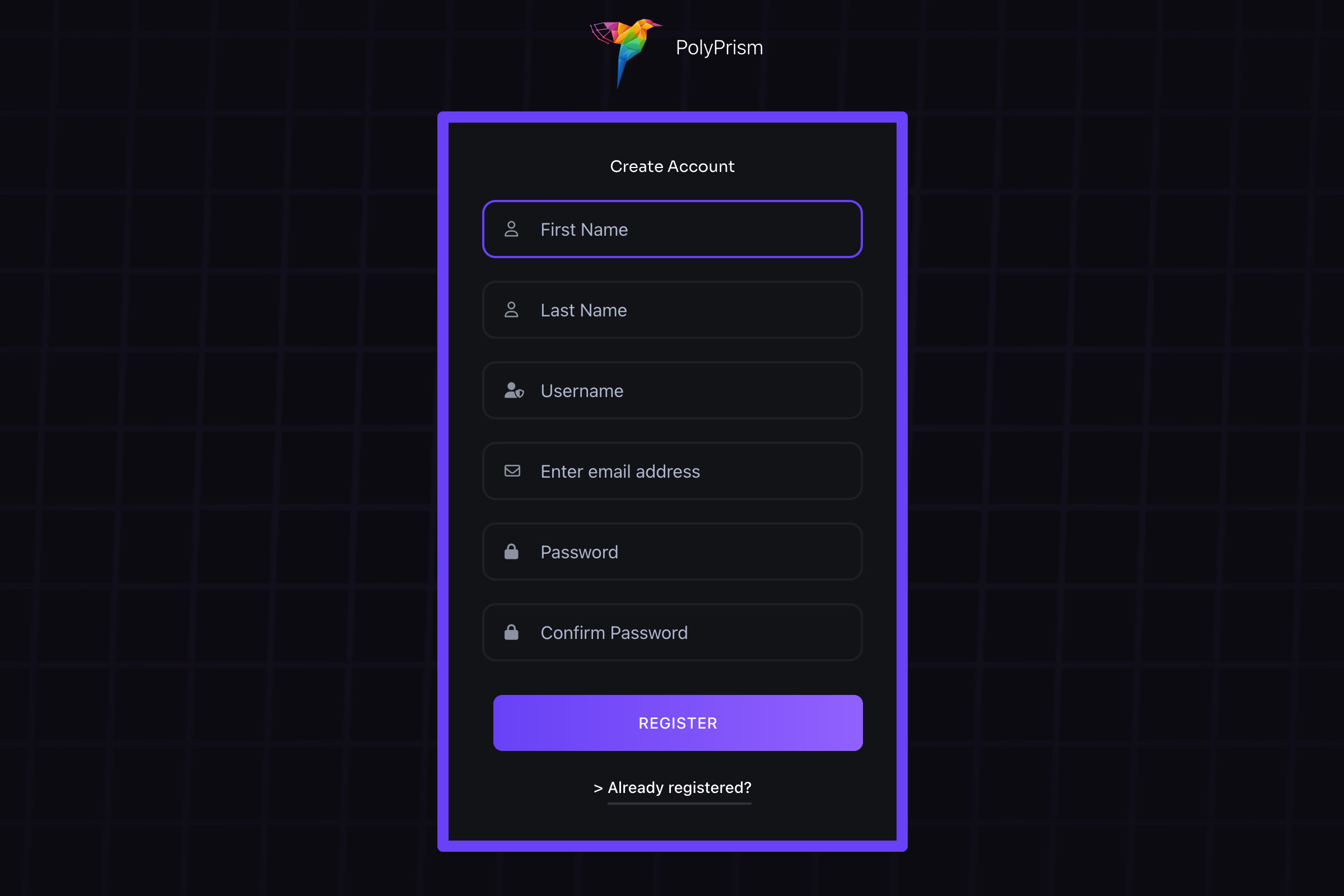
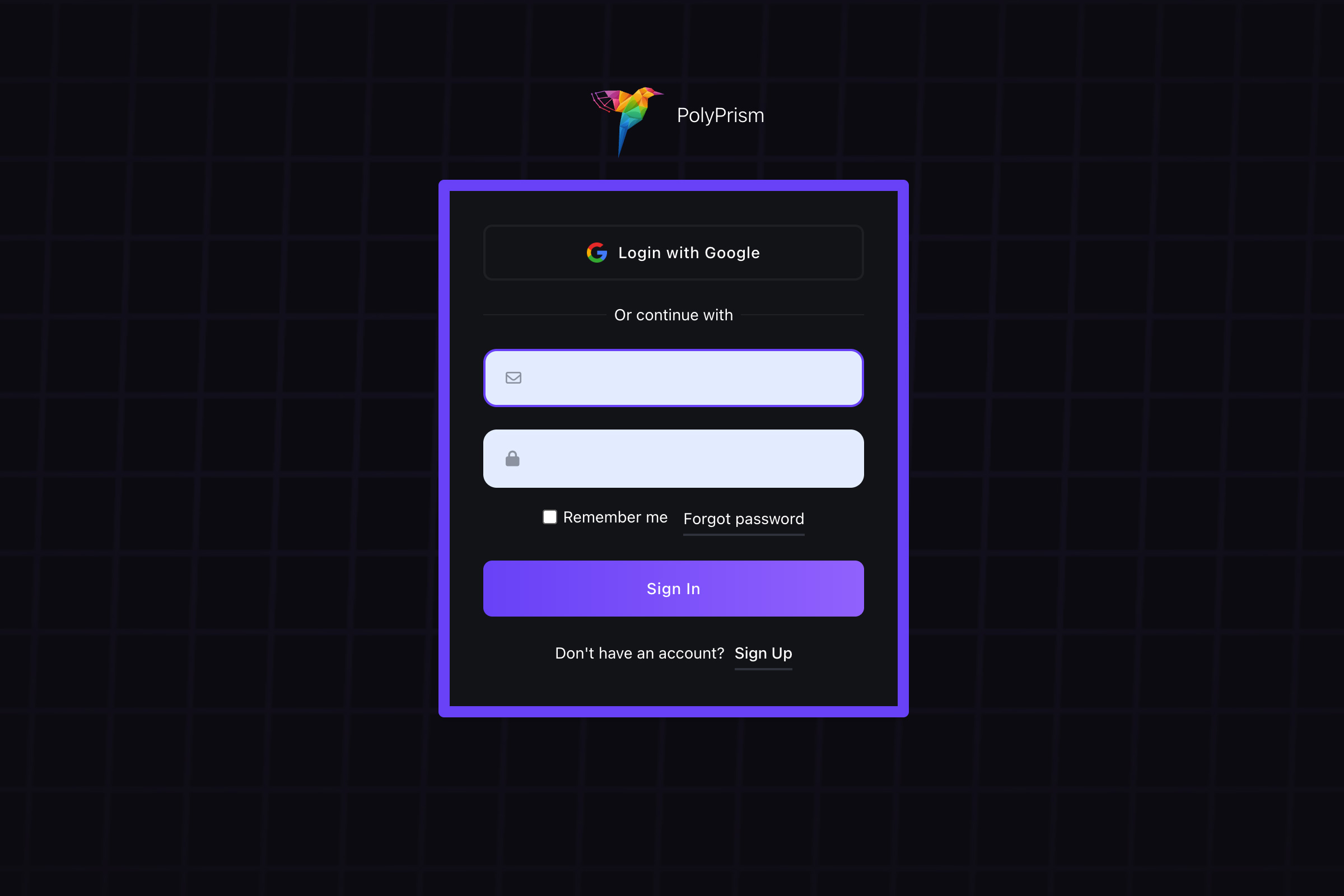
Add / Edit a Brand
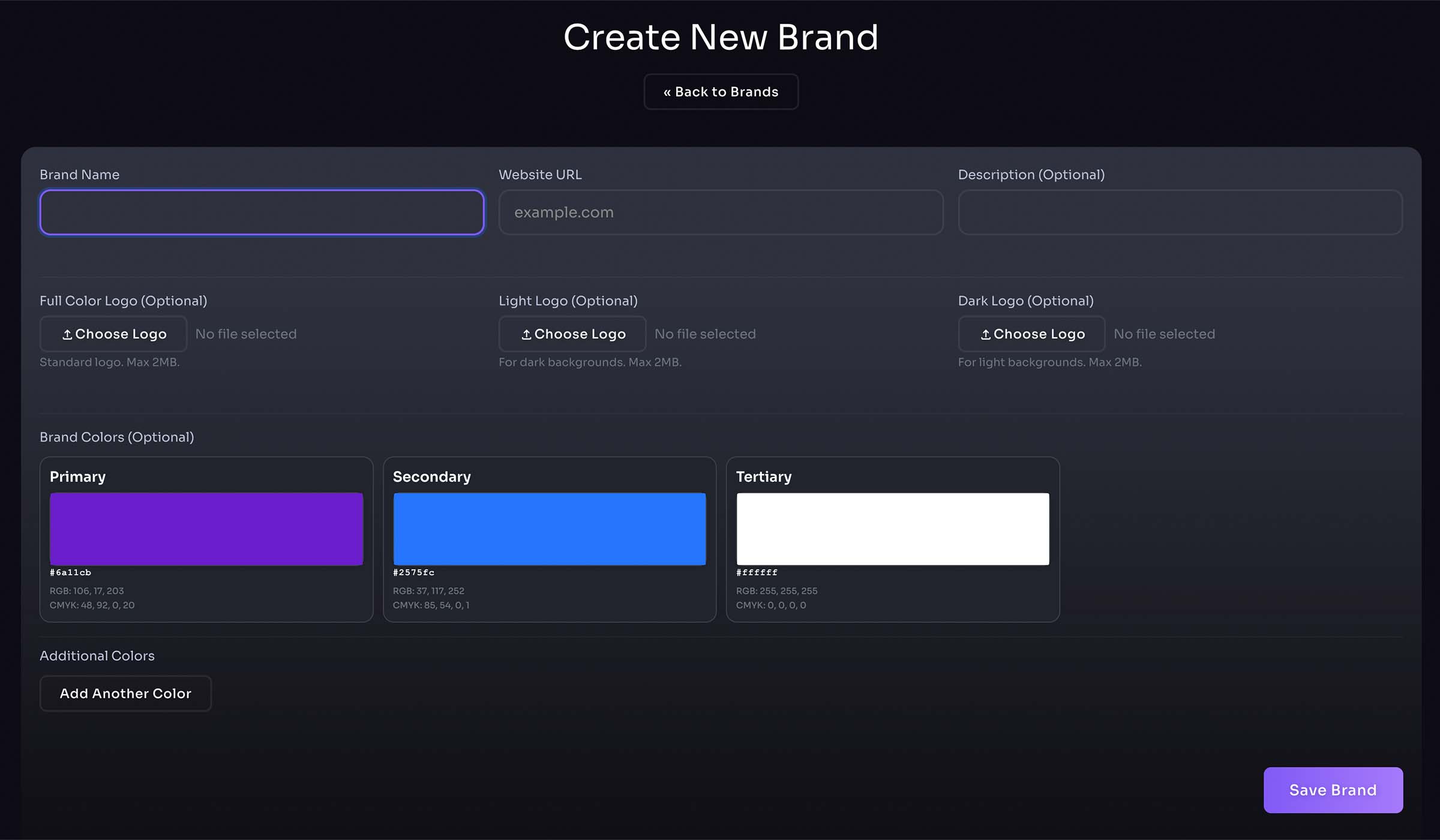
- Create a new brand here
- Enter brand name, website URL, and description
- Upload brand logos
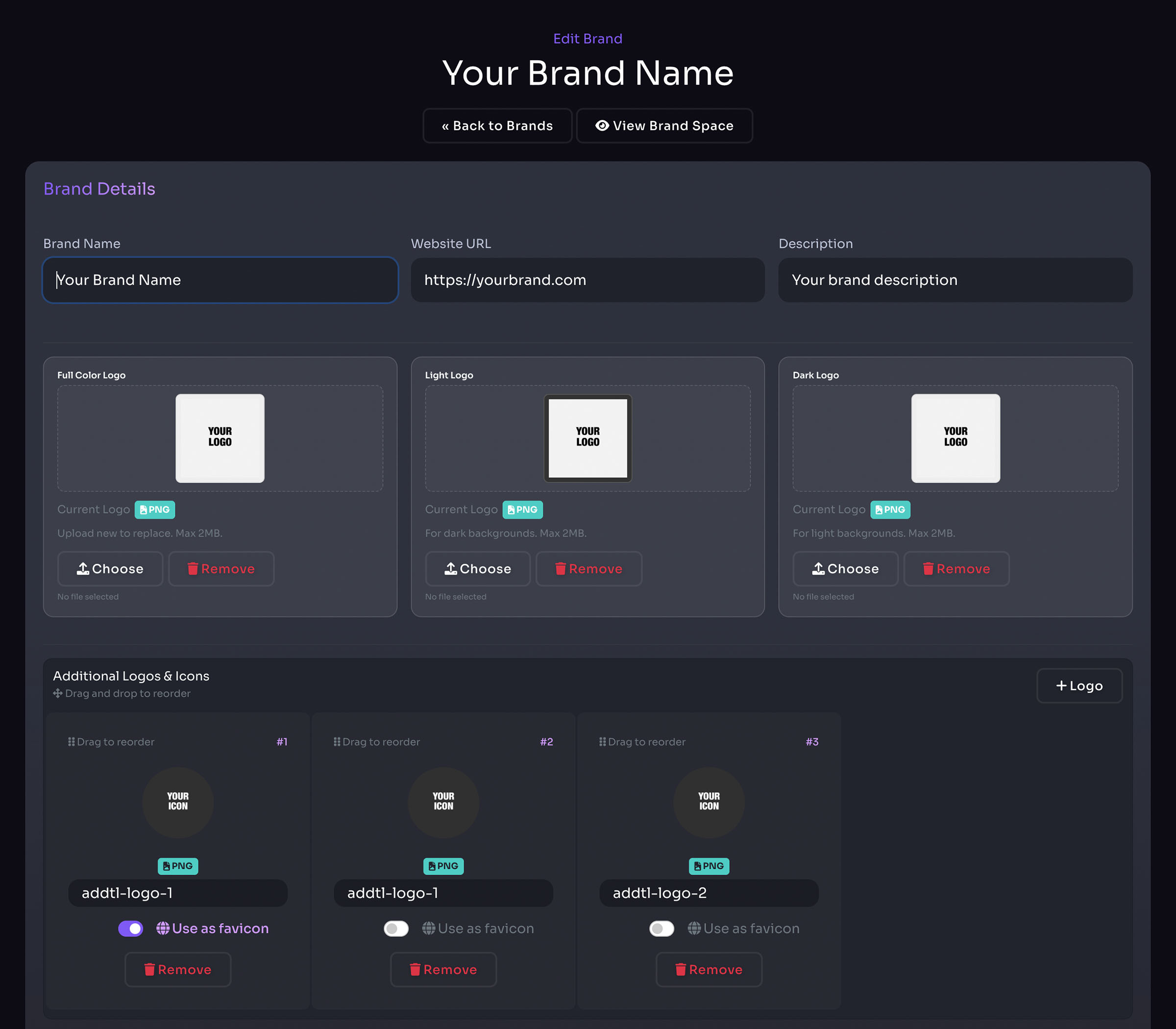
Edit Brand
- Upload brand logos
- Upload additional brand logos and brand icons
- Drag & drop for custom display order
Pro Tip: Fetch brand from URL for quick brand creation (My Brands right panel or homepage)
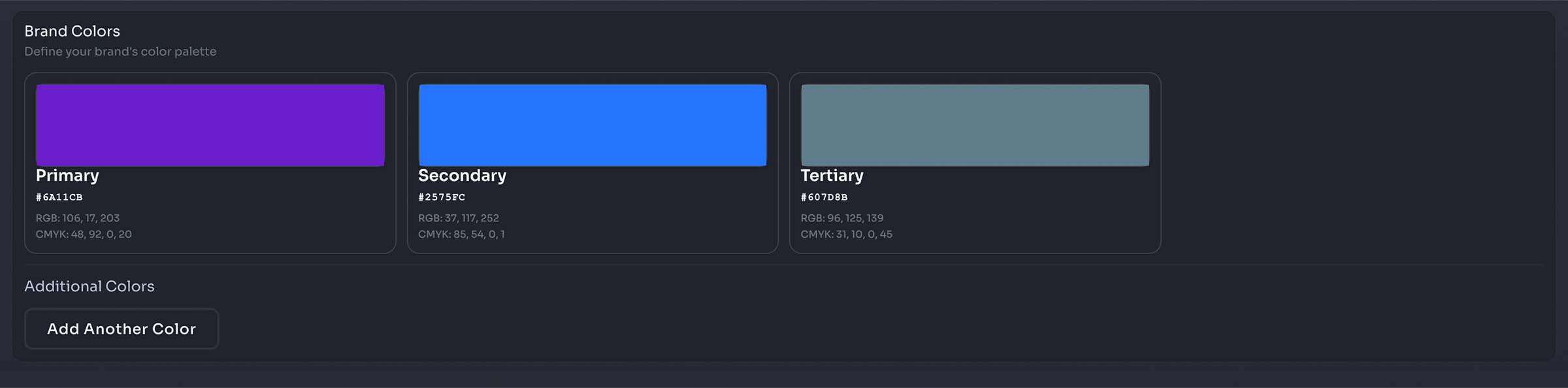
- Select and add brand colors
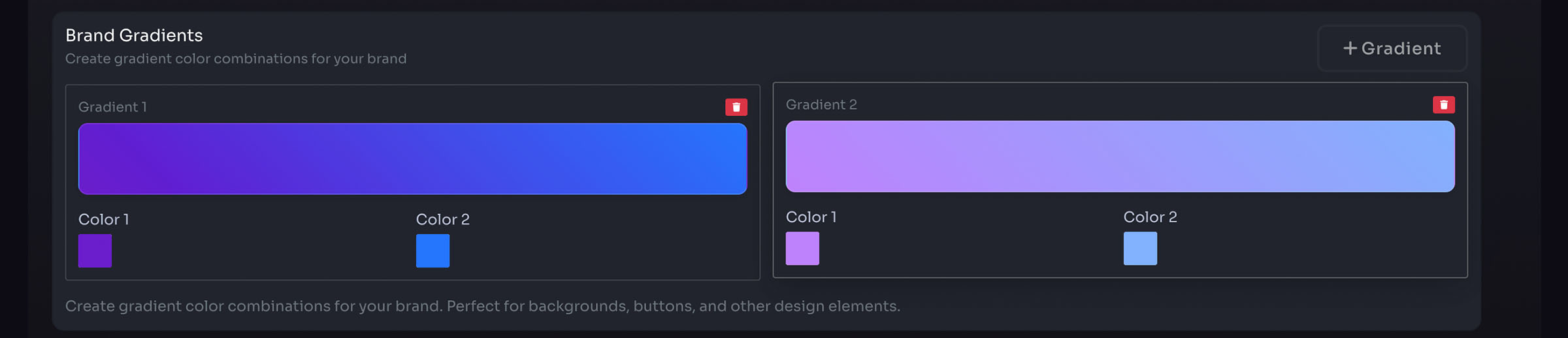
- Add brand gradients
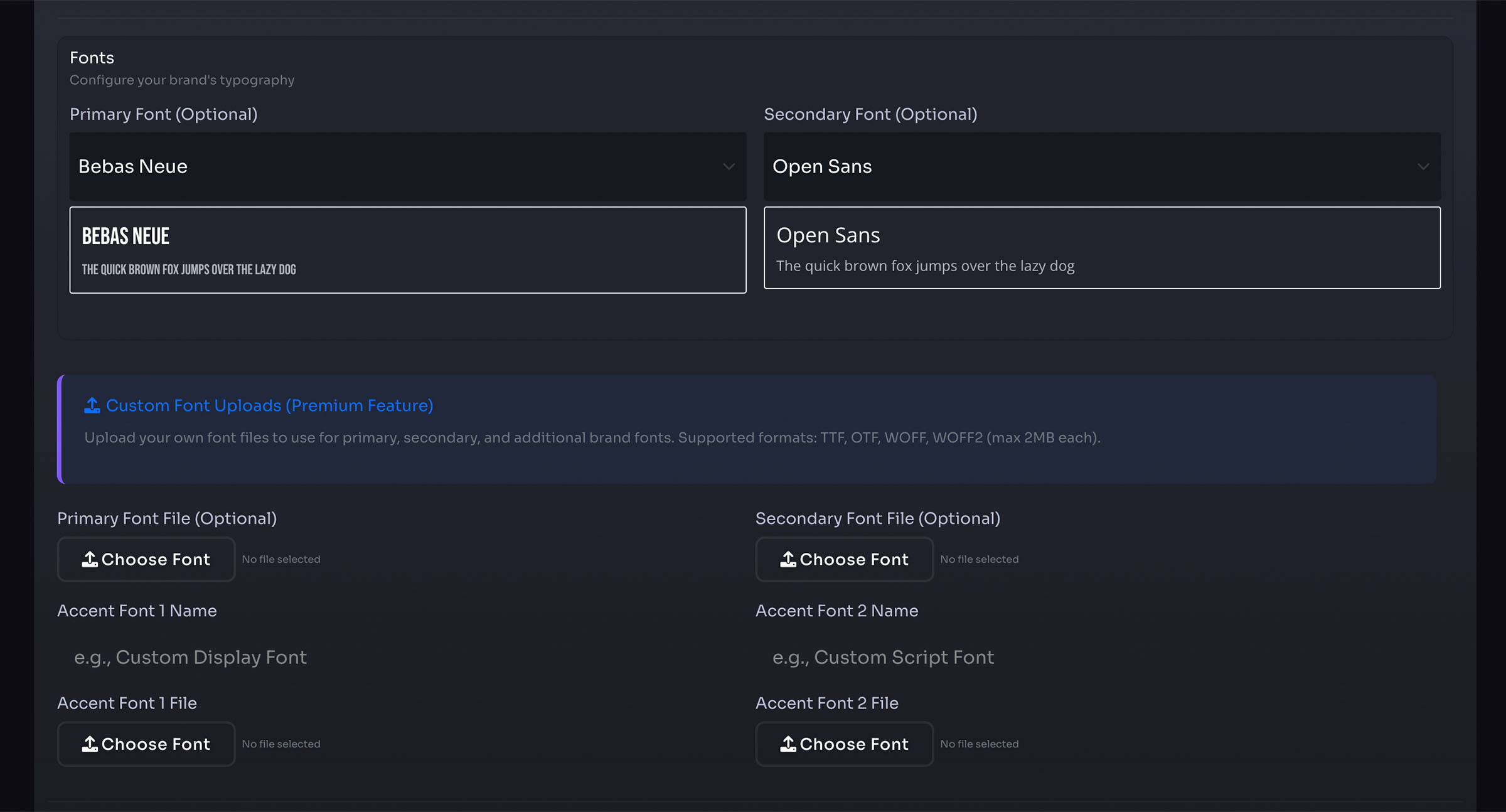
- Select and add brand fonts
- Upload custom brand fonts (premium feature)
- Add brand hashtags

- Add brand QR codes
- Enable or disable for shared brand space

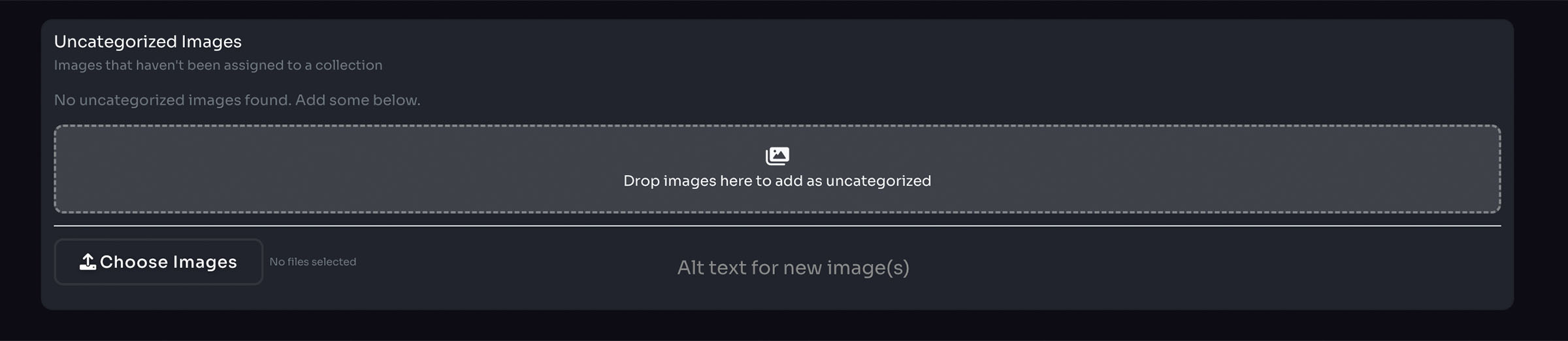
- Add brand image collections
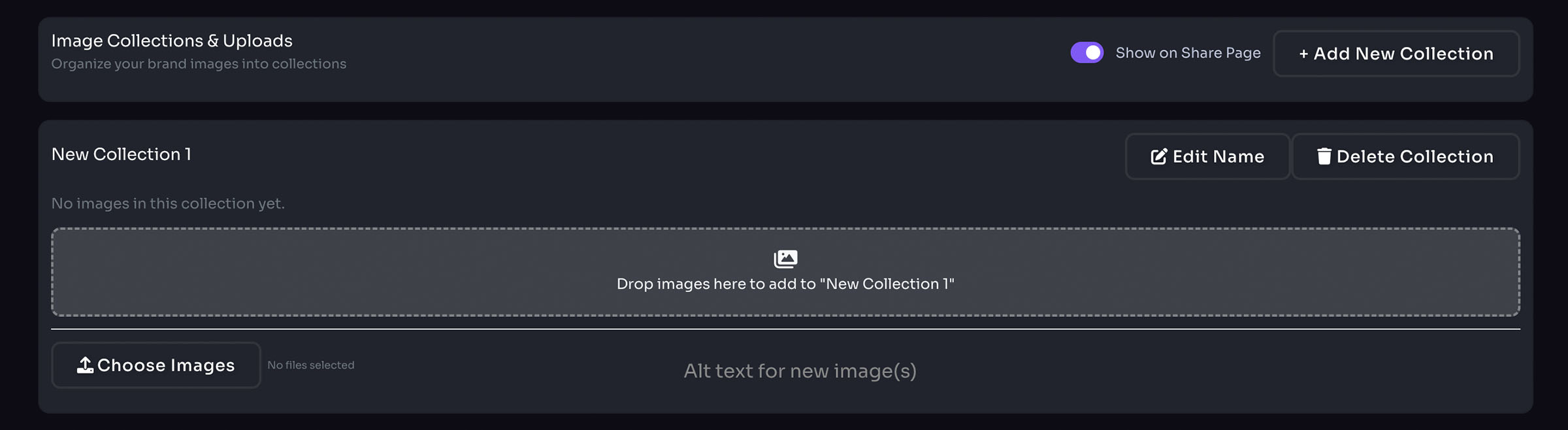
- Manage uncategorized images
- Uncategorized Images do not display on the shared brand space
- Add brand Word Docs
- Enable or disable for shared brand space

- Add brand PowerPoint Presentations
- Enable or disable for shared brand space

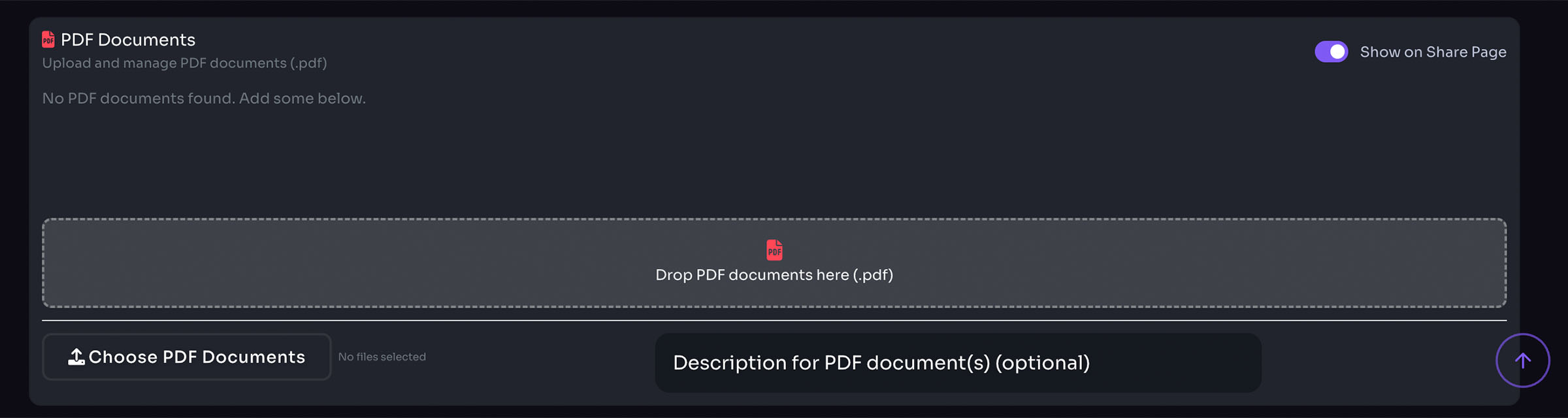
- Add brand PDF Docs
- Enable or disable for shared brand space
Brand Spaces
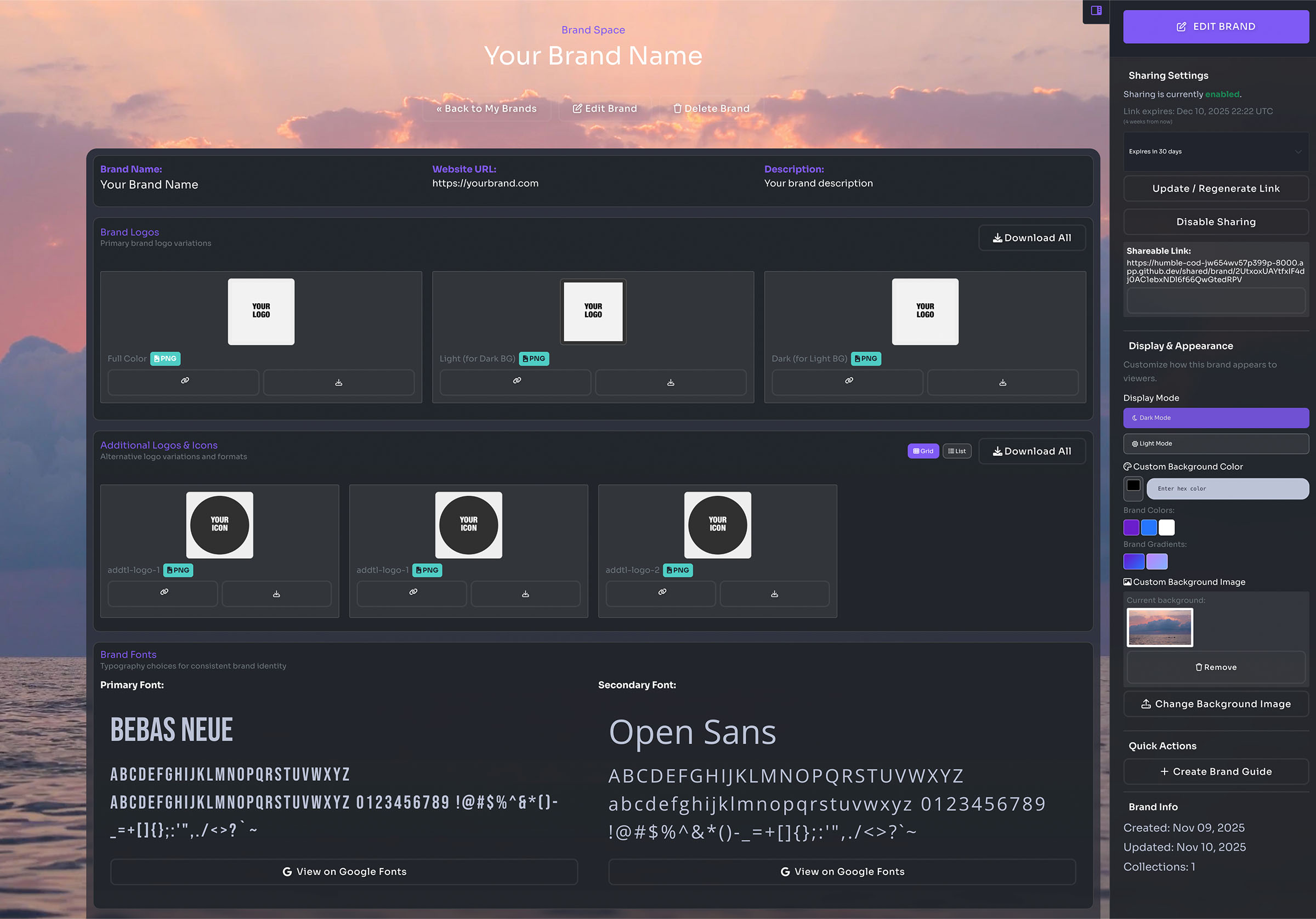
Customizing your brand space
- Change space to dark or light themes
- Add brand color or gradient as background
- Add custom background image
Sharing your brand space
- Create a link with 30-day expiration
- Or create a link with no expiration date
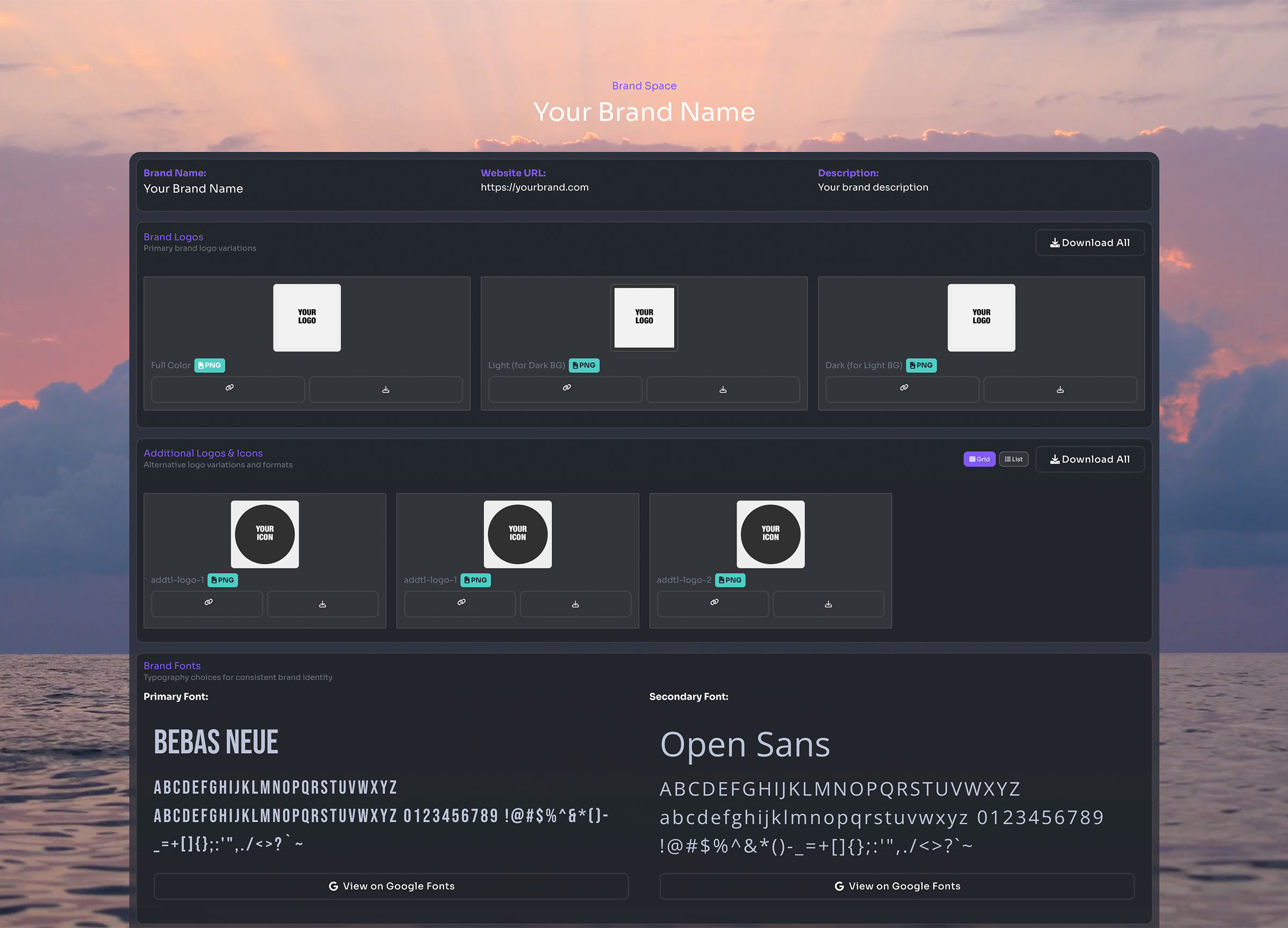
- Enable shared sections:
- Brand Logos
- Brand Fonts
- Brand Gradients
- QR Codes
- Word Docs
- PDF Docs
- Additional Logos
- Brand Colors
- Hashtags
- Collections
- PowerPoint
- Videos
- Download individual assets or download all for each section
My Concepts
My Concepts List
- Displays a list of all your concepts
- Use your concepts as a place to save generated images, and add your own elements to images in each concept.
- Click to edit
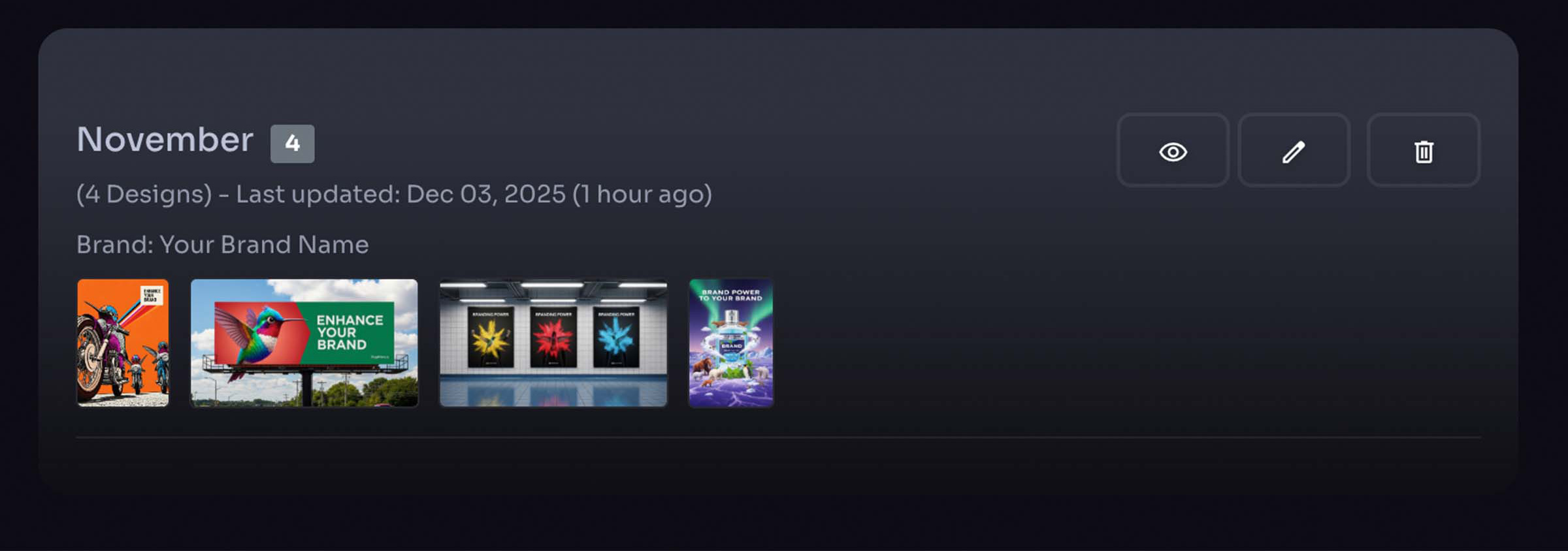
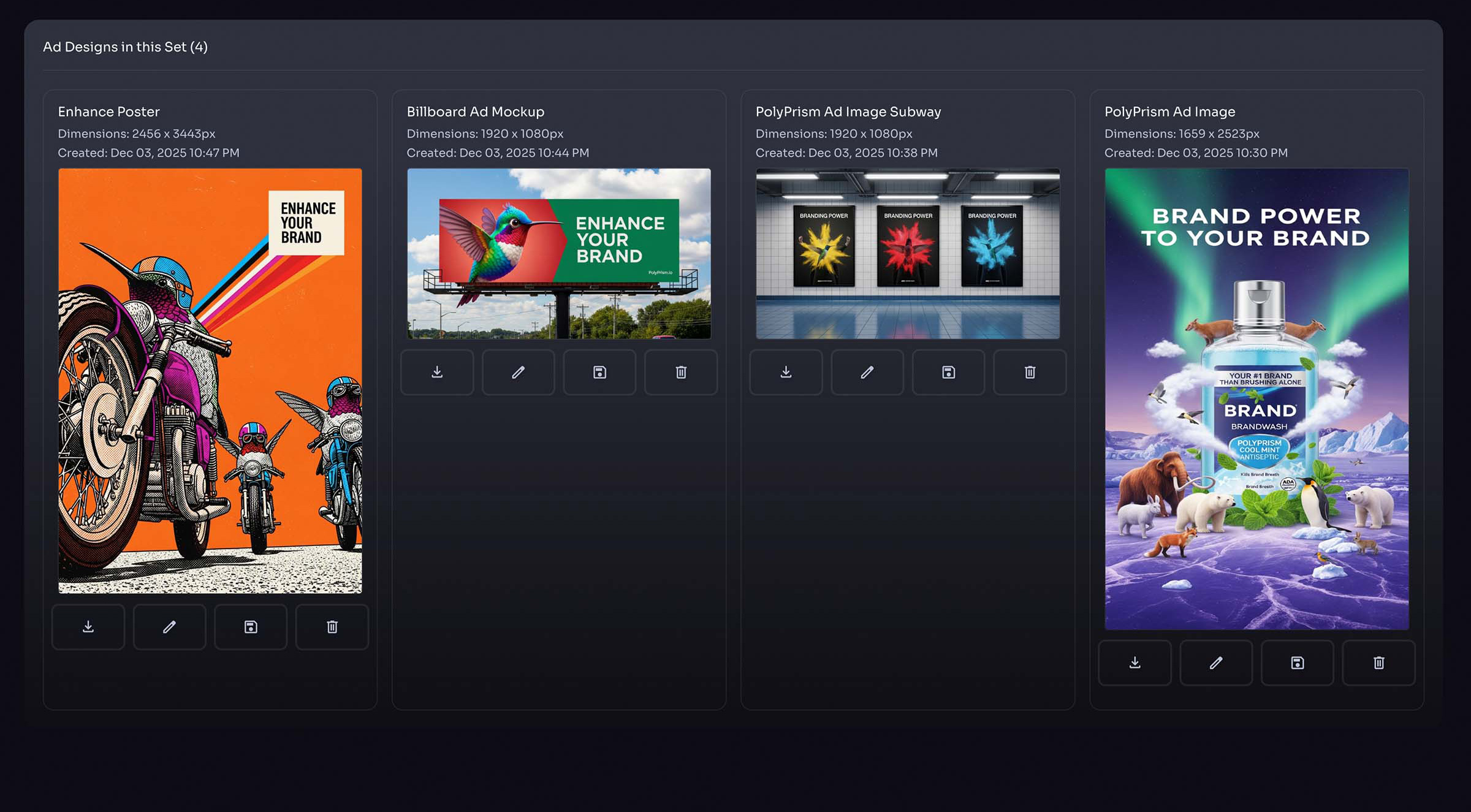
Designs within Concept Collections
- Add layers to generated design
- Download images
- Save images to brand image collection
- Delete designs
- Delete concept
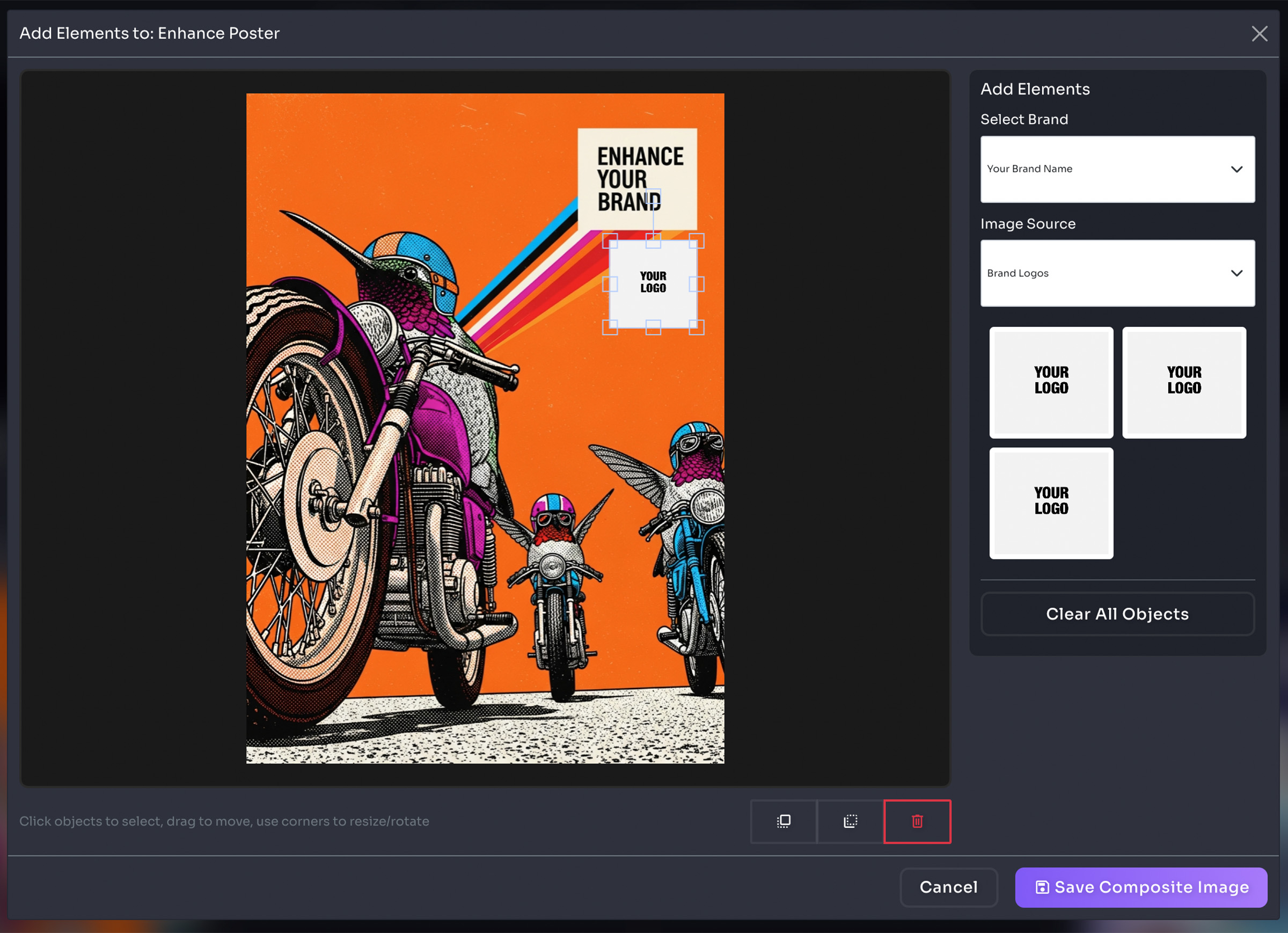
Add Layers to Generated Images
- Add logos / images / text
- Drag / move objects on canvas
- Saves a new image instance
- Preserves original generated image
Ad Designer
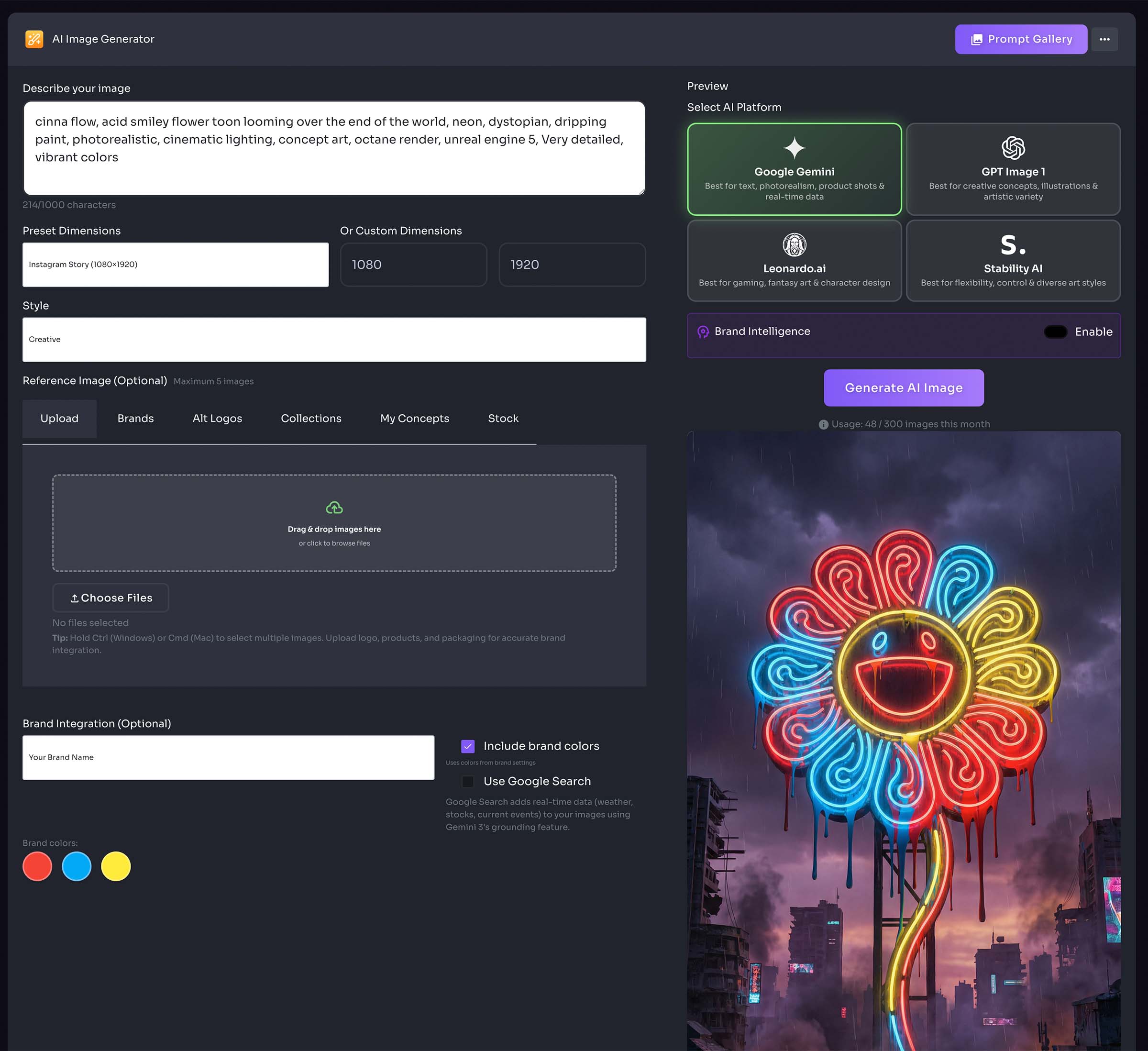
AI Image Generator
- Choose from preset AI prompts, or type in your own
- Select AI platform
- Select image style
- Add reference image (optional)
- Select Brand (optional)
- Save to brand image collection, or concepts collection
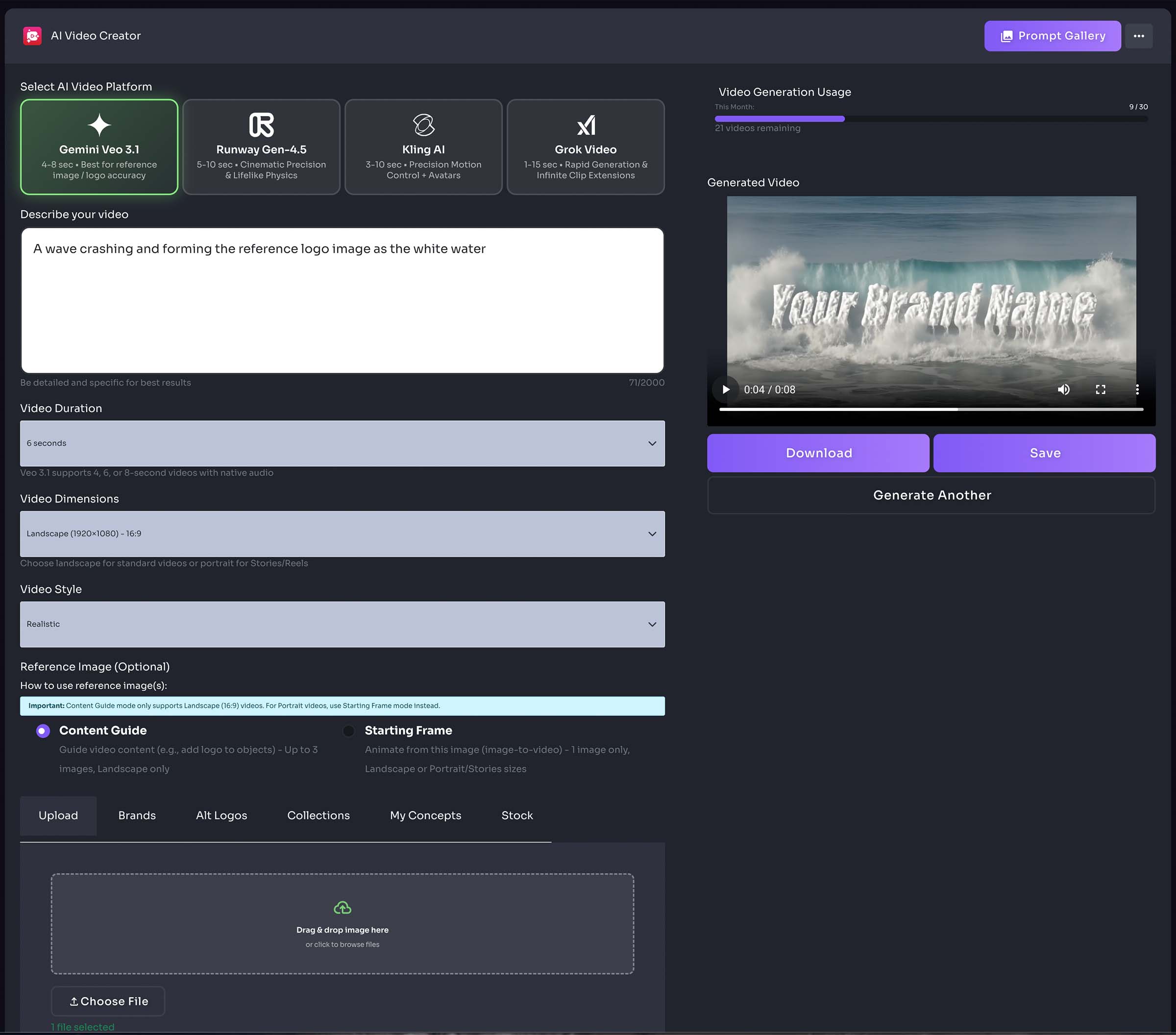
Video Creator
AI Video Generator
- Choose from preset AI prompts, or type in your own
- Select AI platform
- Select video duration
- Select video Dimensions
- Select video style
- Add reference image (optional)
- Select Brand (optional)
- Download to your device
AI Templates
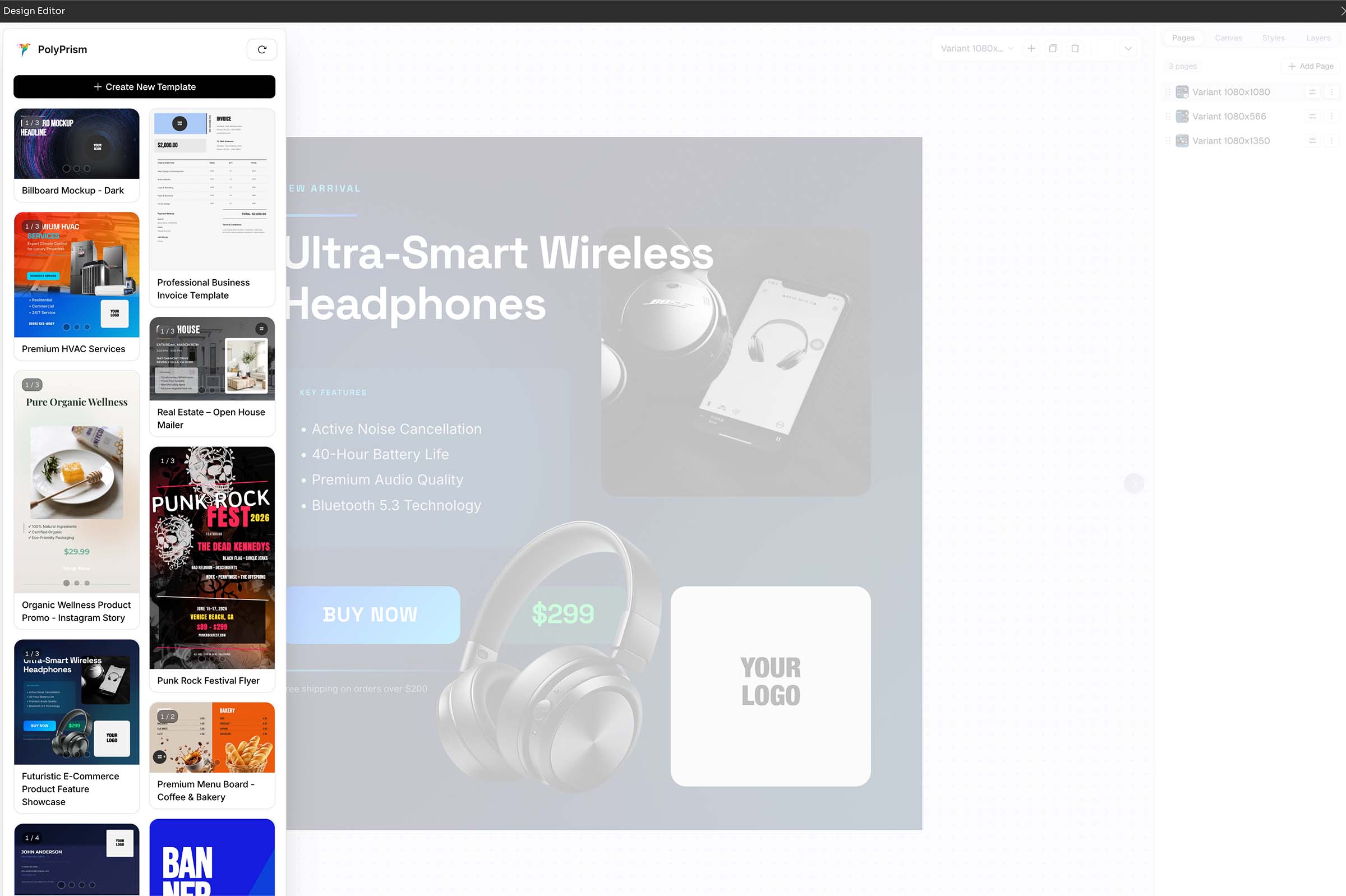
Professional Design Templates
- Use pre-designed templates, or create your own
- Auto-resize for multiple layouts / pages / screens
- Direct download PNG / PDF / HTML
- Import templates
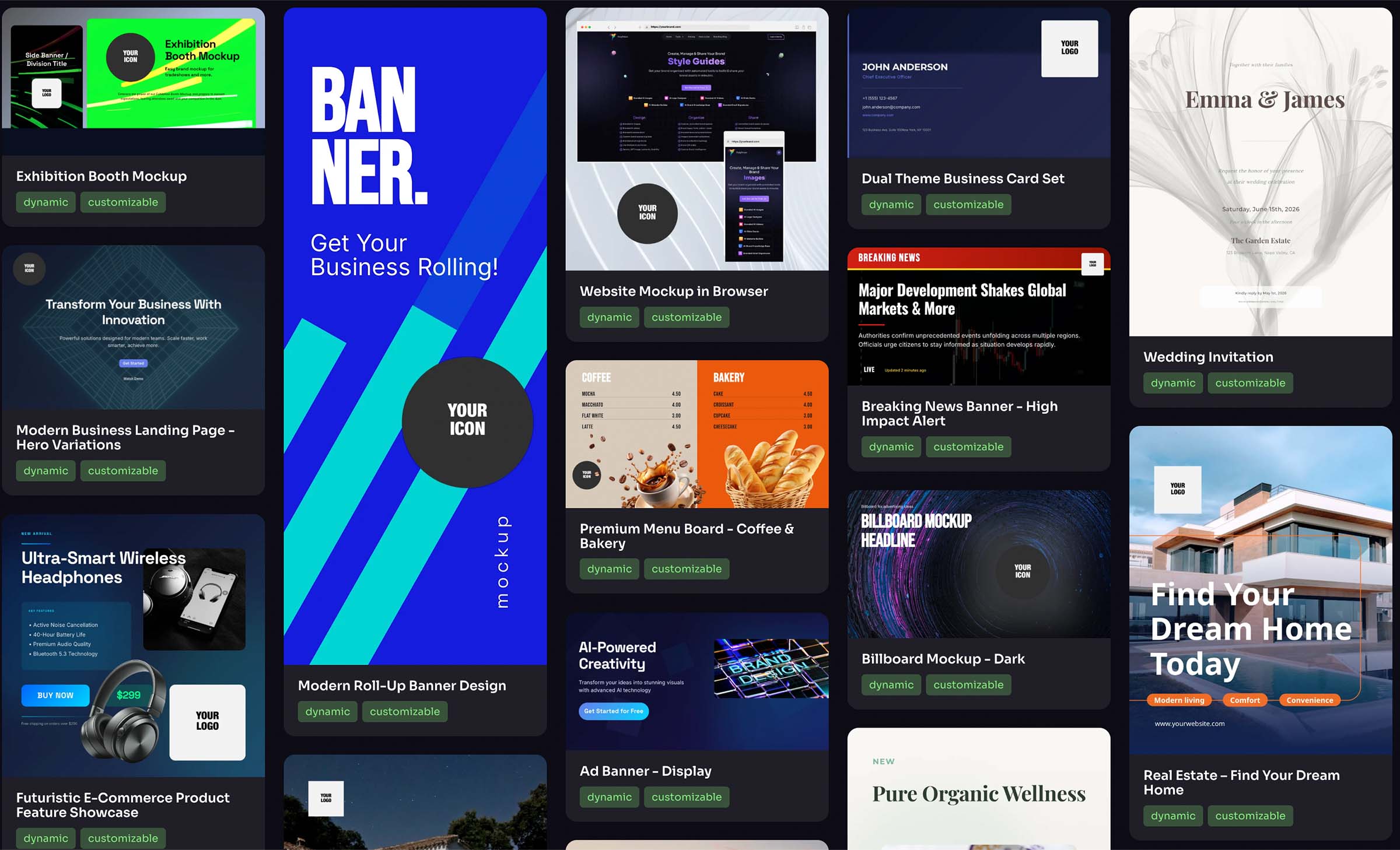
- Browse and select from available templates
- Customize using the built-in editor
- Export in your preferred format
Email Signatures
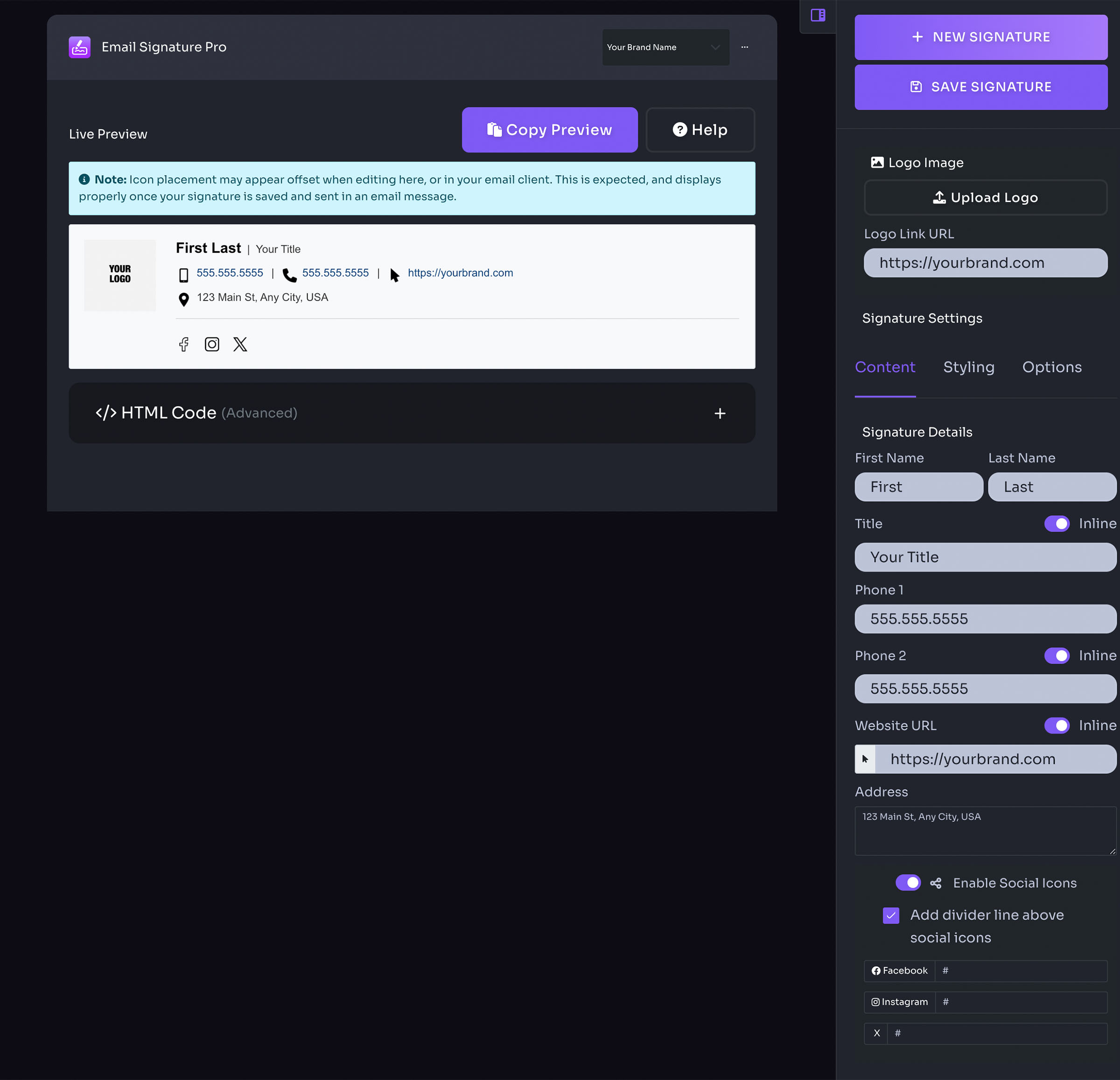
- Select brand
- Enter details in right panel
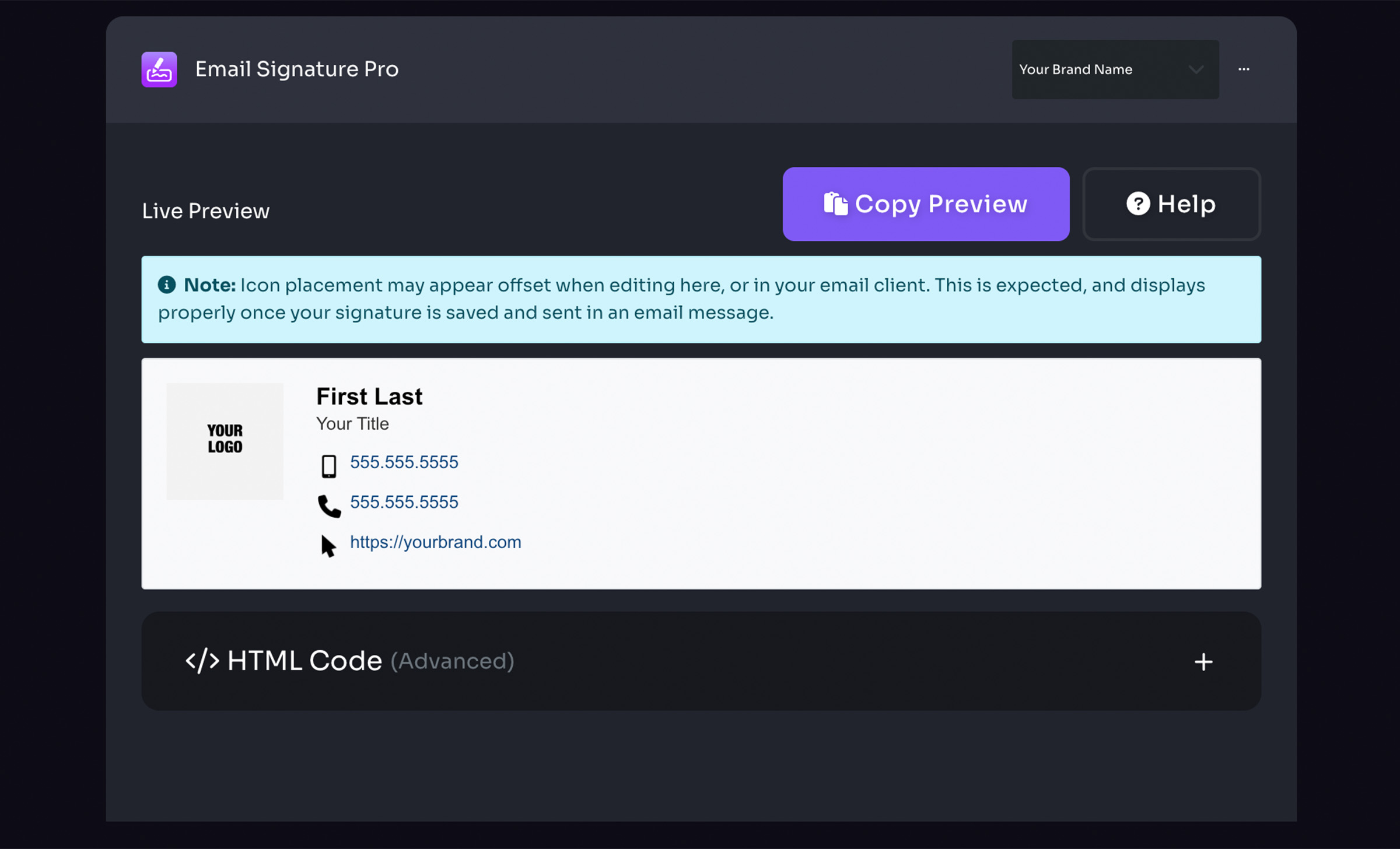
- Live Preview (Copy preview, Help, Note, Preview canvas, HTML code)
- Right panel
- New signature
- Save signature
- Upload custom image
- Add logo link
- Select saved signature / delete signatures
- Signature settings (Content, Styling, Options)
Email Signature Styling
- Adjust logo size
- Adjust logo alignment & padding
- Adjust line height
- Adjust icon size
- Adjust name, title, and conact info styles
Email Signature Options
- Enable icons
- Adjust icon theme light / dark
- Show icon background shape
- Stack signature layout
- Adjust link color
- Enable email disclaimer text

Meeting Backdrops
- Select brand
- Adjust logo position
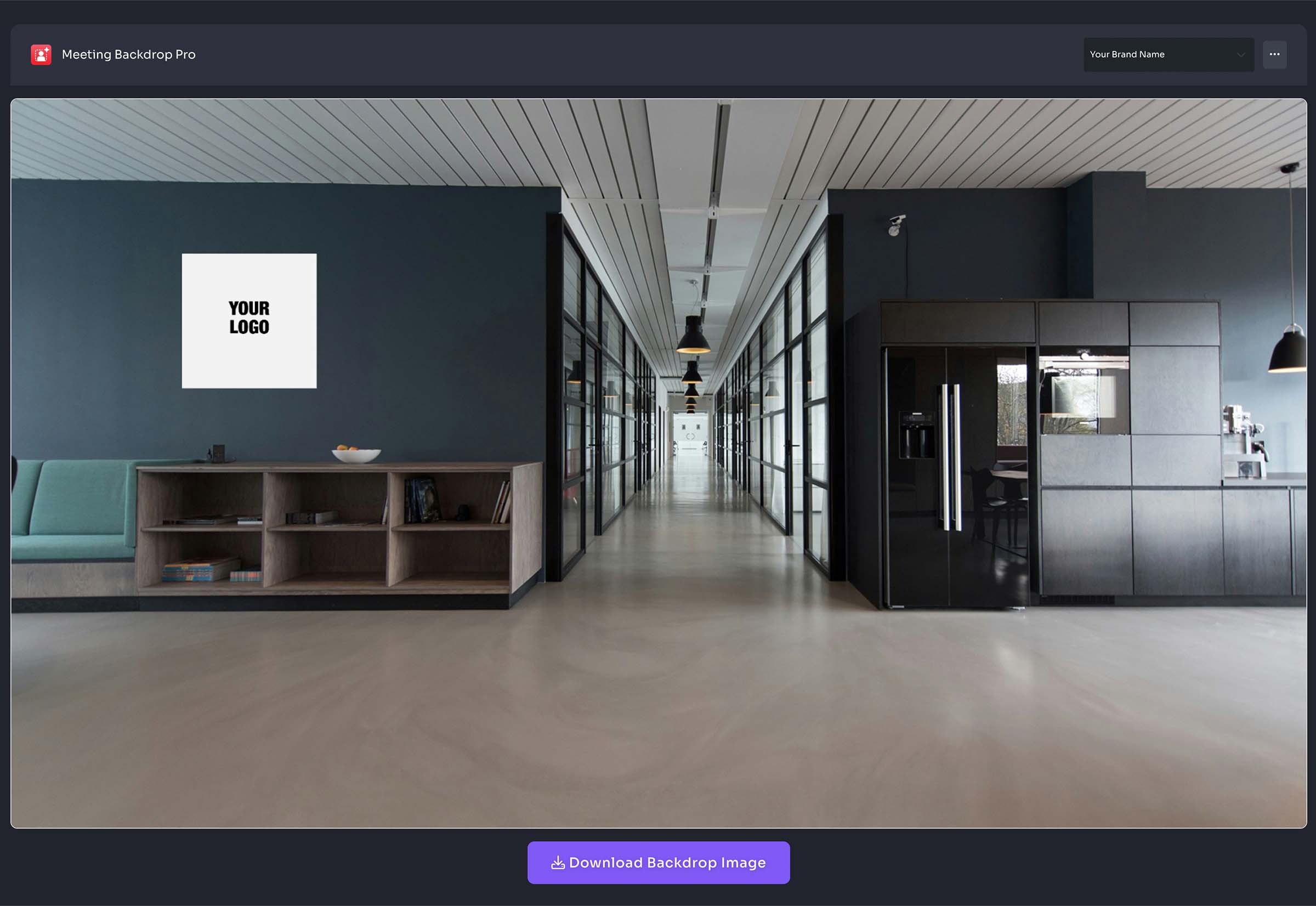
- Select pre-set or upload custom backdrop image
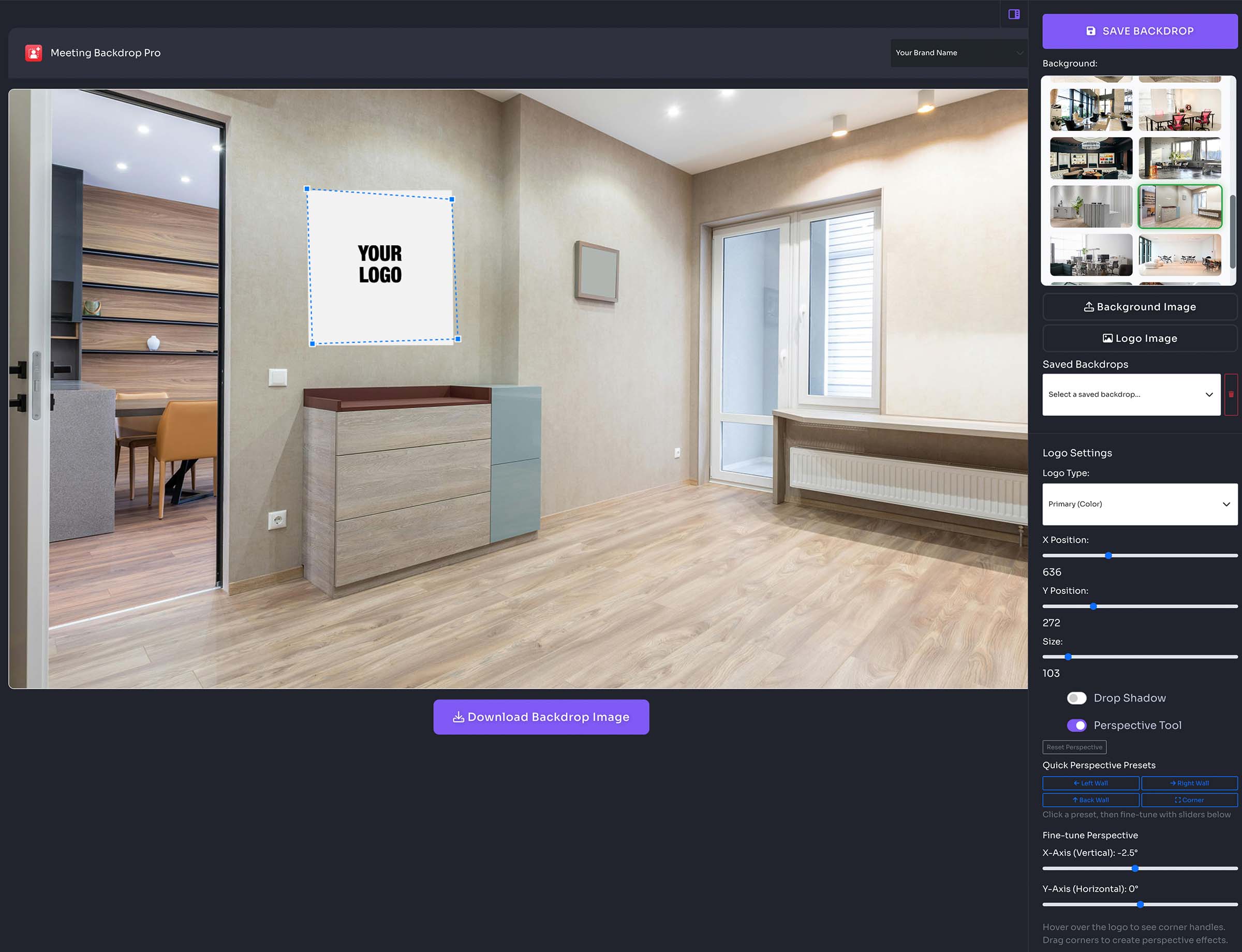
- Right panel
- Save backdrop
- Select backdrop image
- Upload custom backdrop image
- Upload custom logo image
- Select saved backdrops
- Logo settings (Select brand logo variation, Adjust position, Adjust logo size, Enable drop shadow, Enable perspective tool)
Poly Docs
Word Docs
- Select brand (if applicable)
- Select a Word Document template
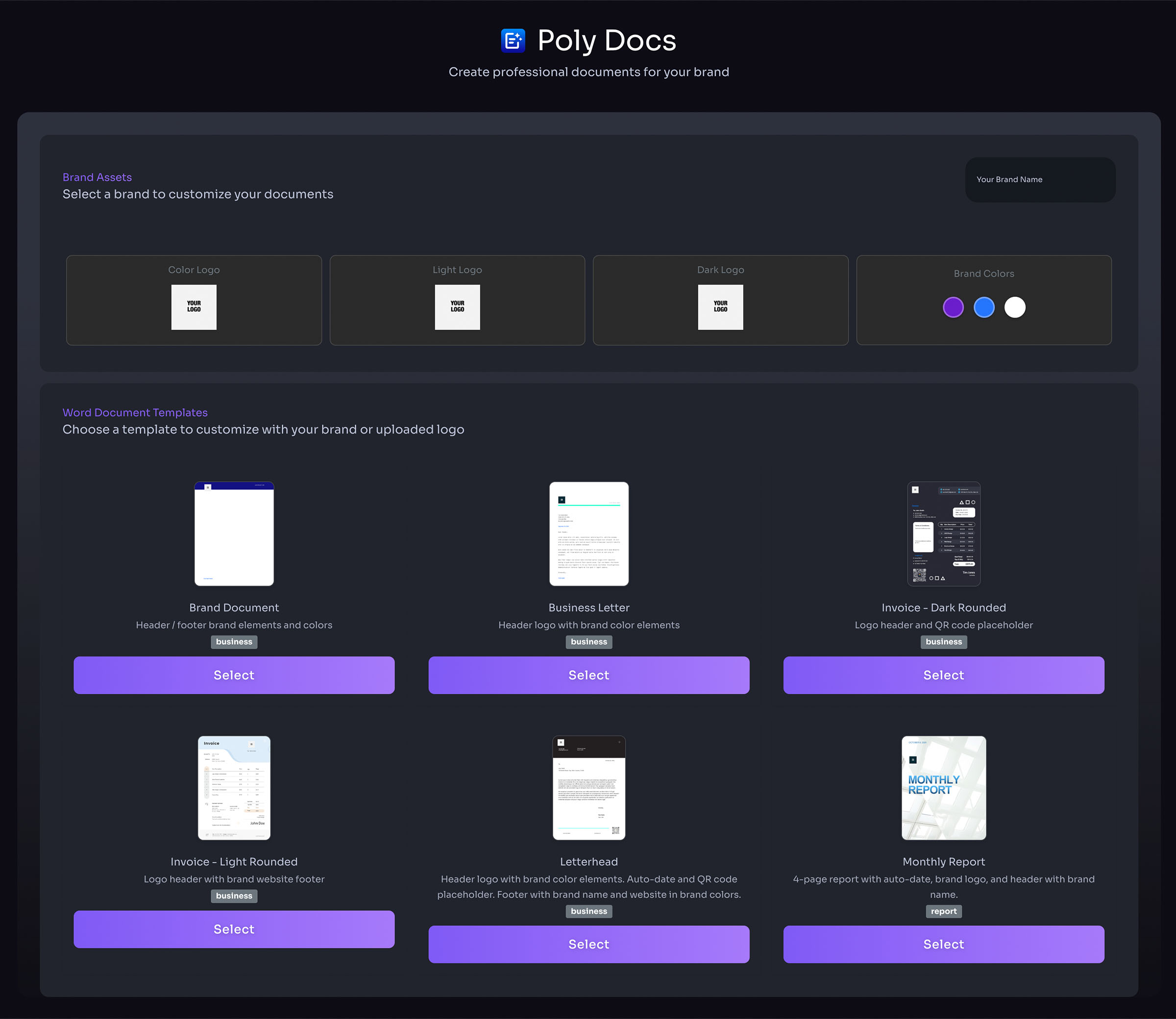
- Enter details (optional) – will auto-populate with your saved brand details
- Select colors if needed – brand colors are auto-populated
- Make custom adjustments
- Generate document
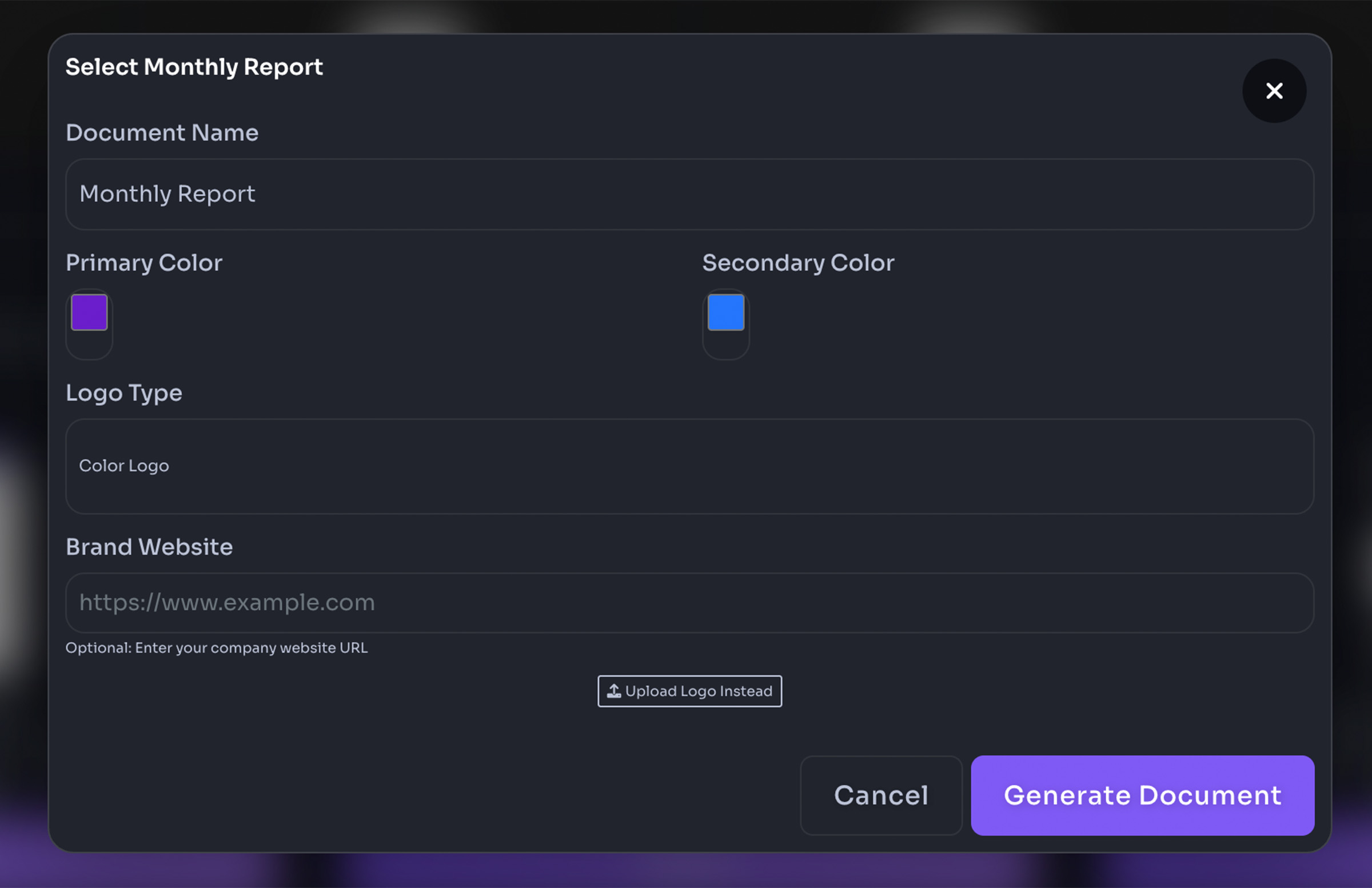
- Download file

PowerPoint Presentations
- Select brand (if applicable)
- Select a PPT Document template
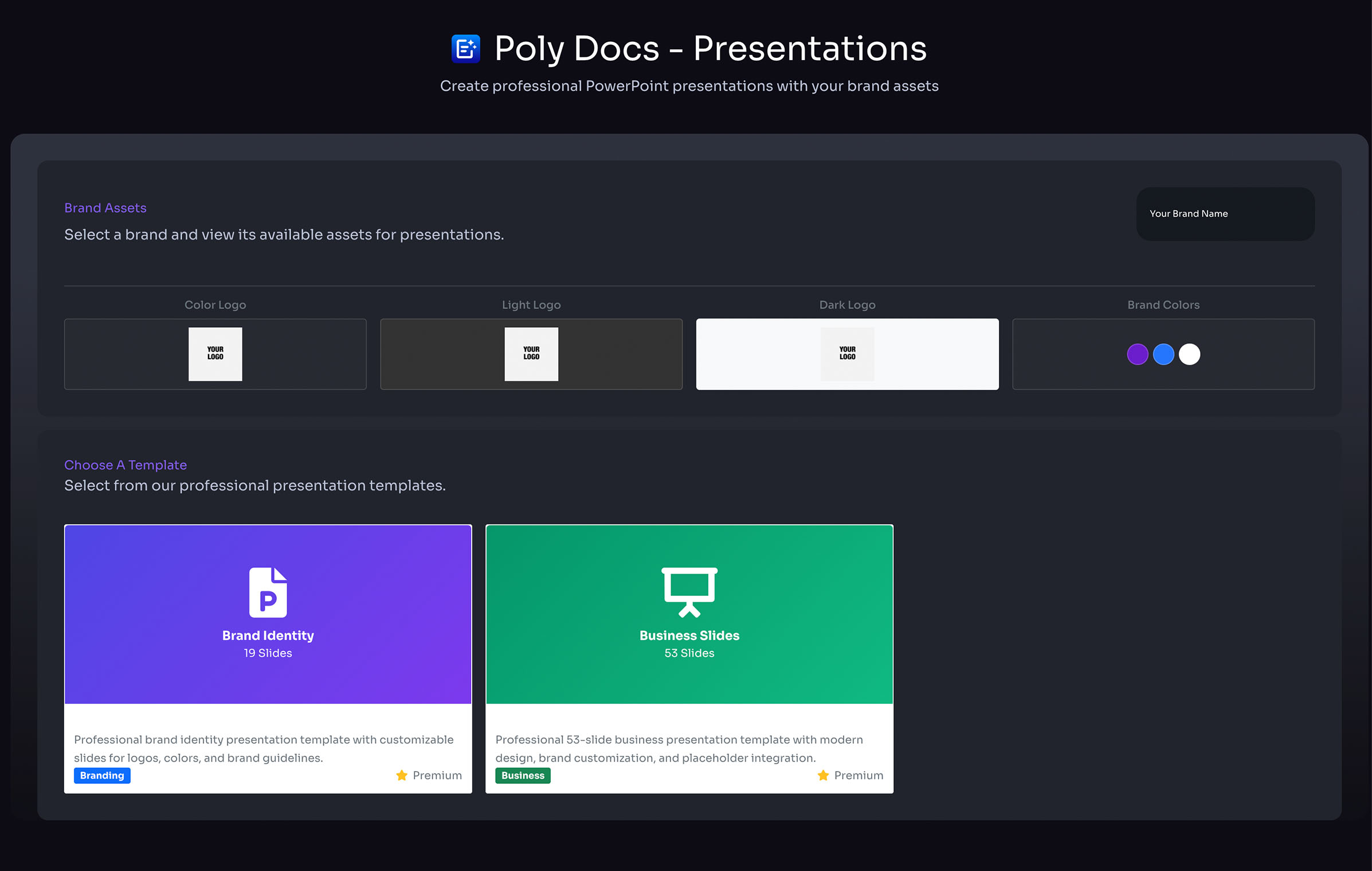
- Name document
- Generate presentation
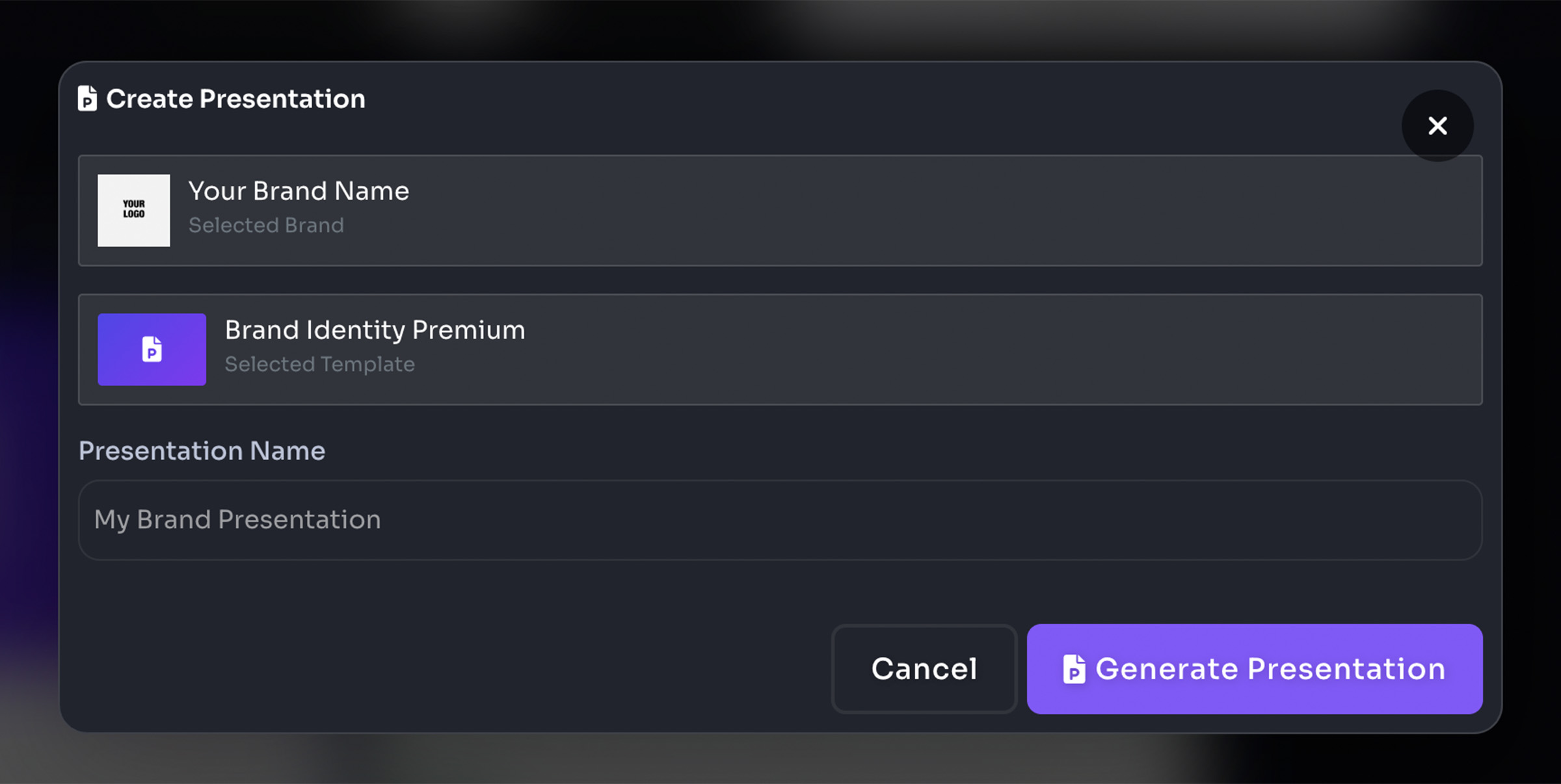
- Download file
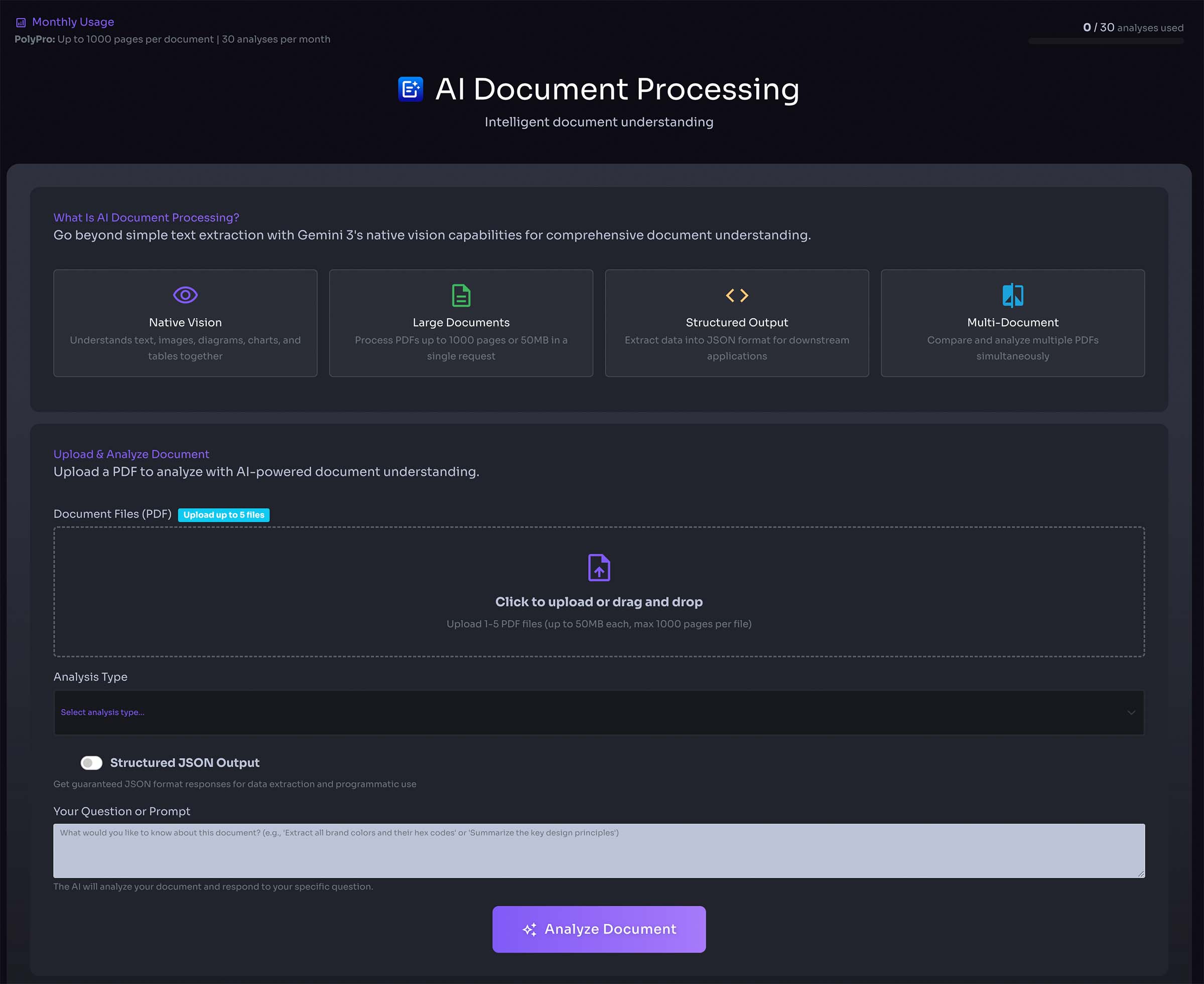
AI Document Processing
- Upload existing documents for AI-powered processing
- Extract and analyze document content
- Transform documents with intelligent formatting
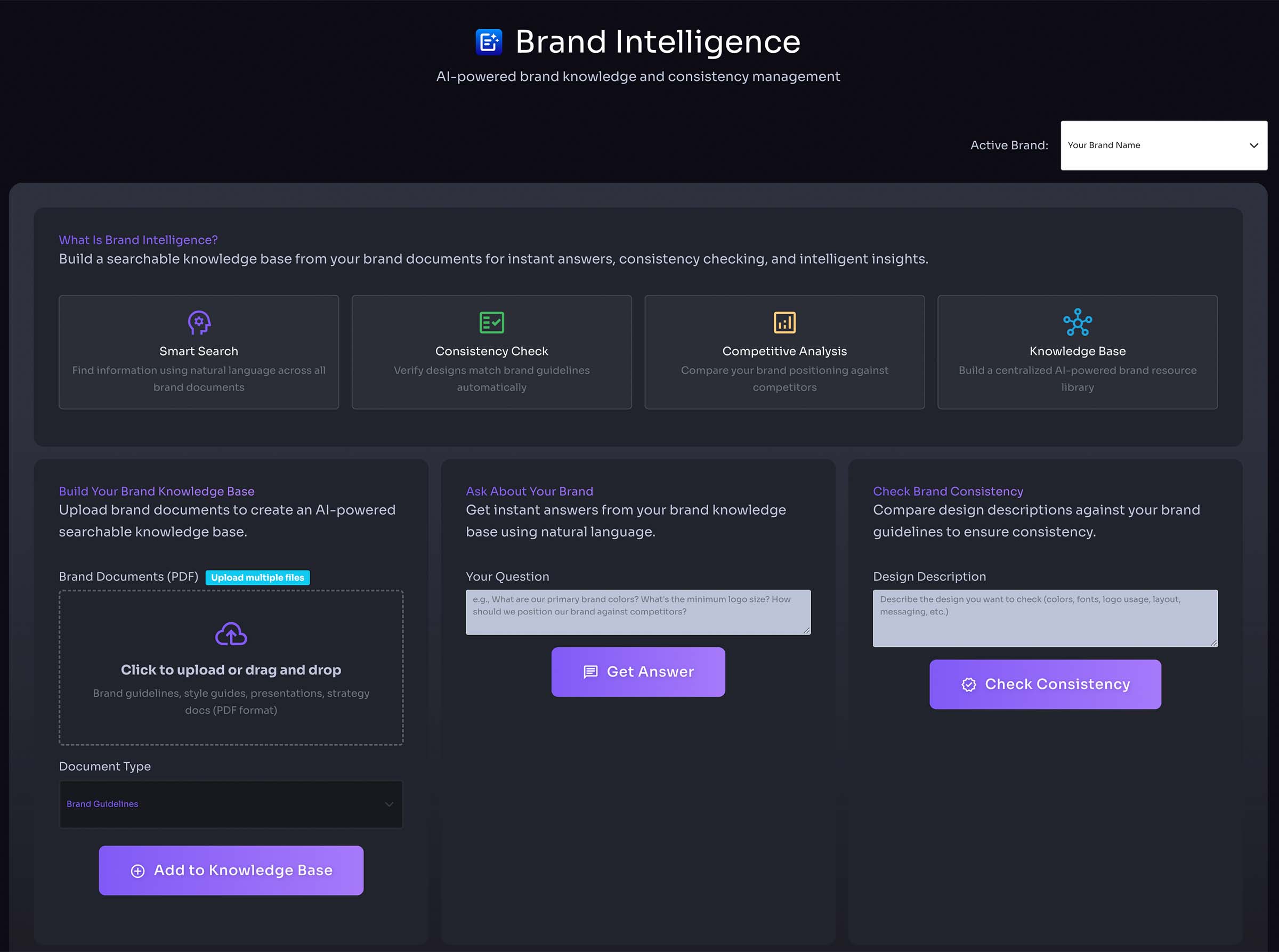
Brand Intelligence
- Analyze brand consistency across documents
- Maintain cohesive brand identity
- Track brand usage and patterns
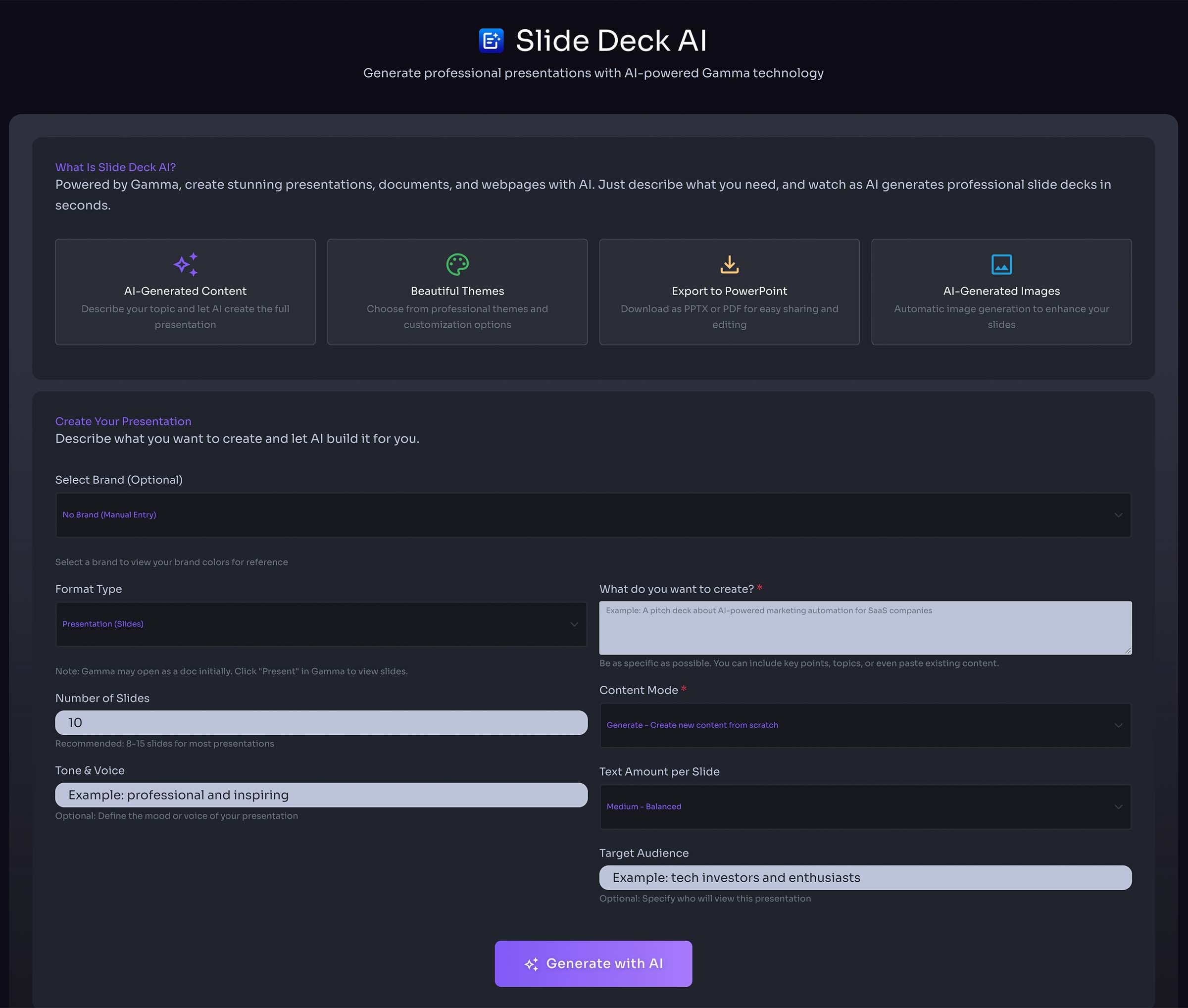
Slide Deck AI
- Generate professional slide decks with AI
- Input topic or outline for automatic slide creation
- Customize layouts and content with AI assistance
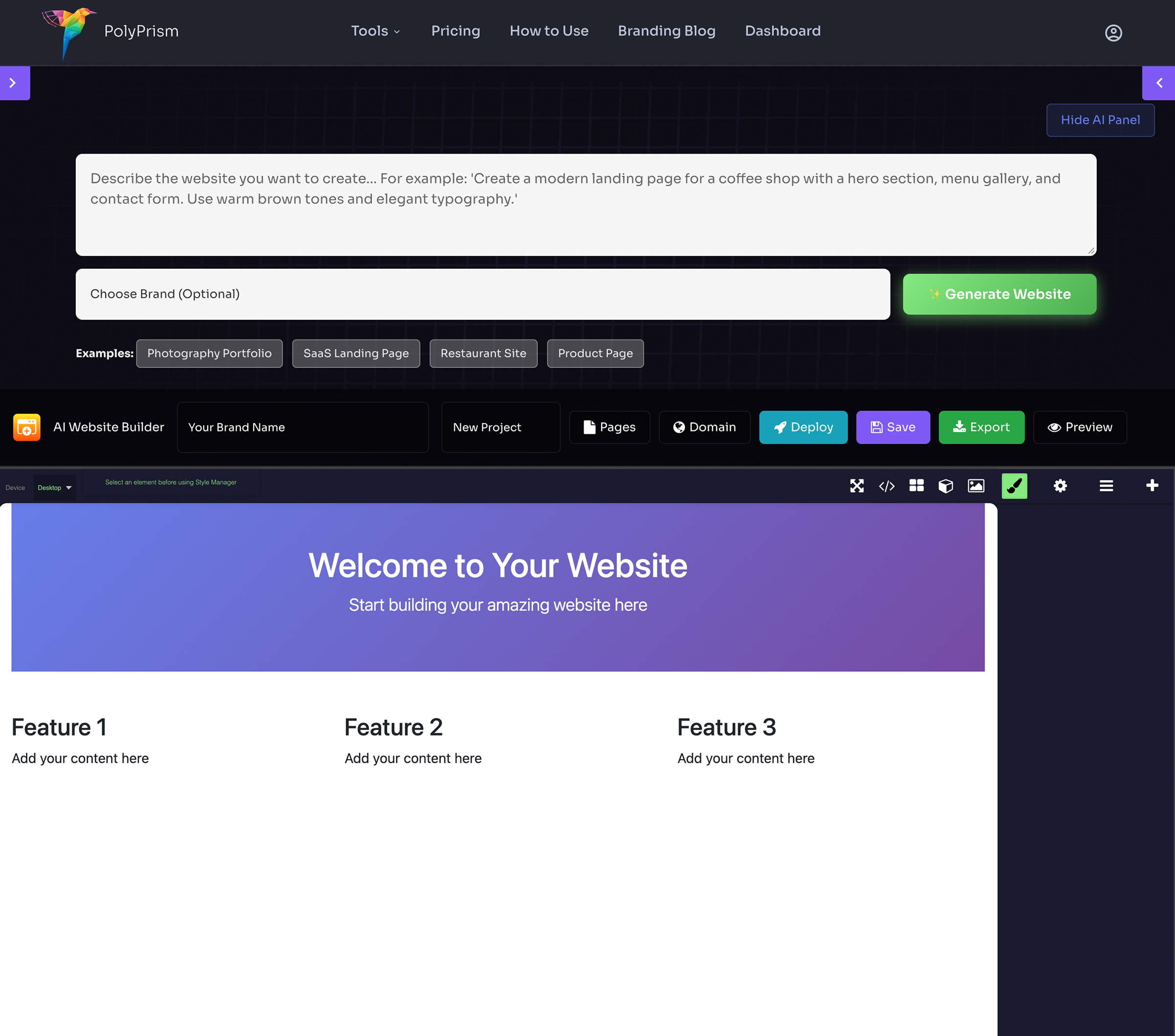
AI Website Builder
- Select a brand to use brand colors and logo
- Describe your website or select from prompt ideas
- AI generates a complete website design
- Edit with the visual drag-and-drop editor
- Add pages, global header/footer components
- Upload a custom favicon
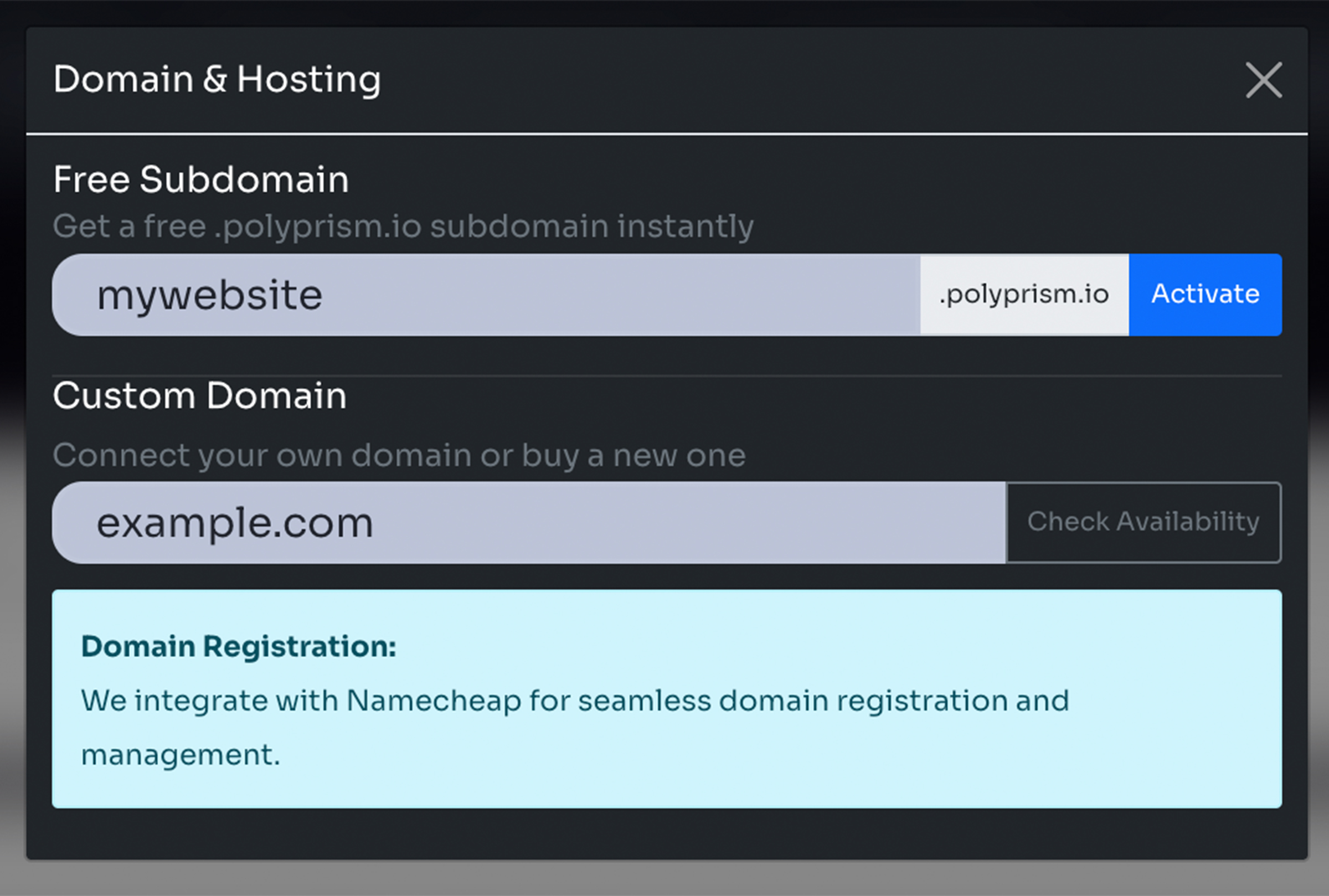
Domains & Hosting
- Get a free subdomain (yoursite.polyprism.io)
- Connect your own custom domain
- Automatic SSL certificate provisioning
- One-click deployment
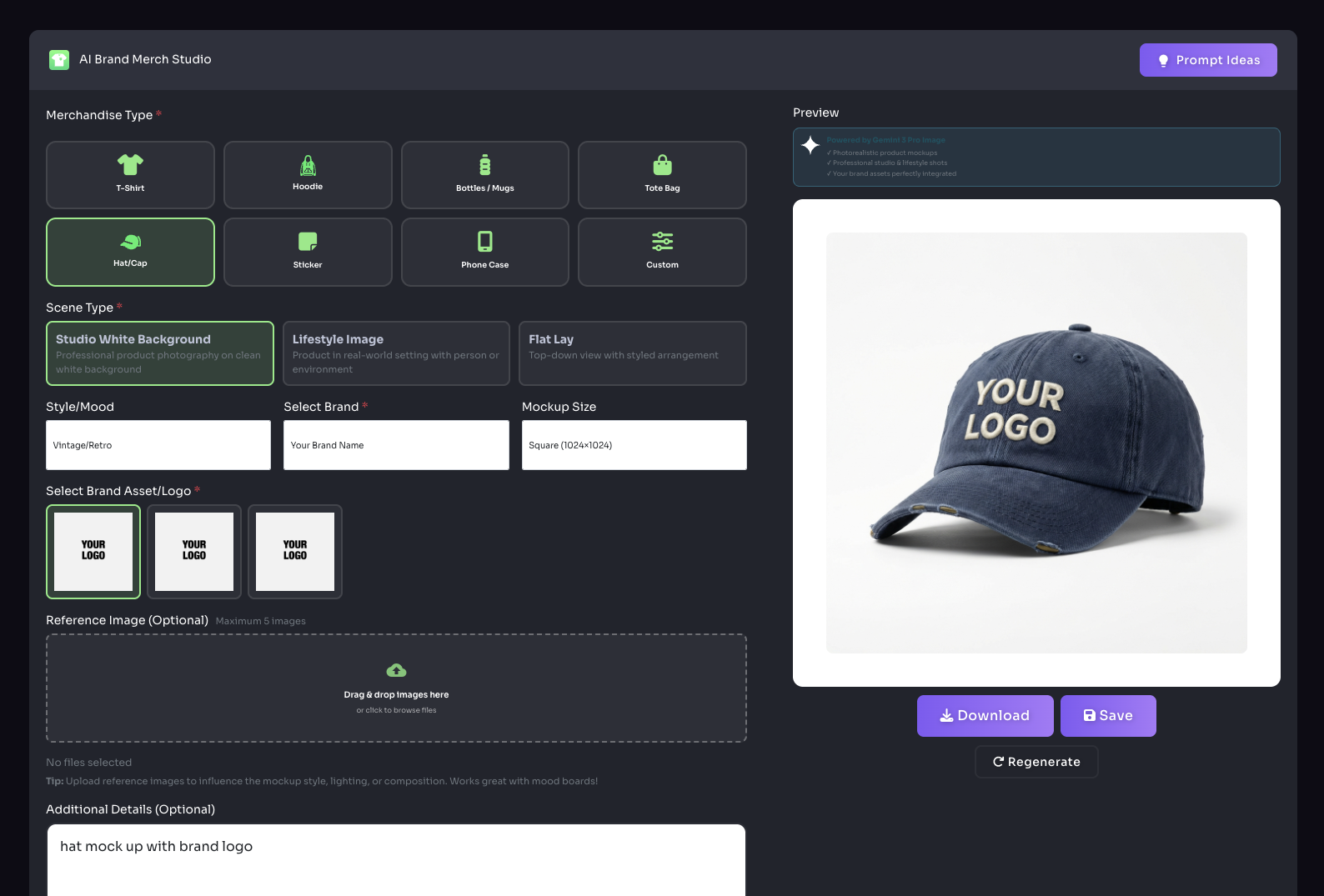
Brand Merch
- Select merch type
- Add logo or image
- Save custom mockup
Brand Connections
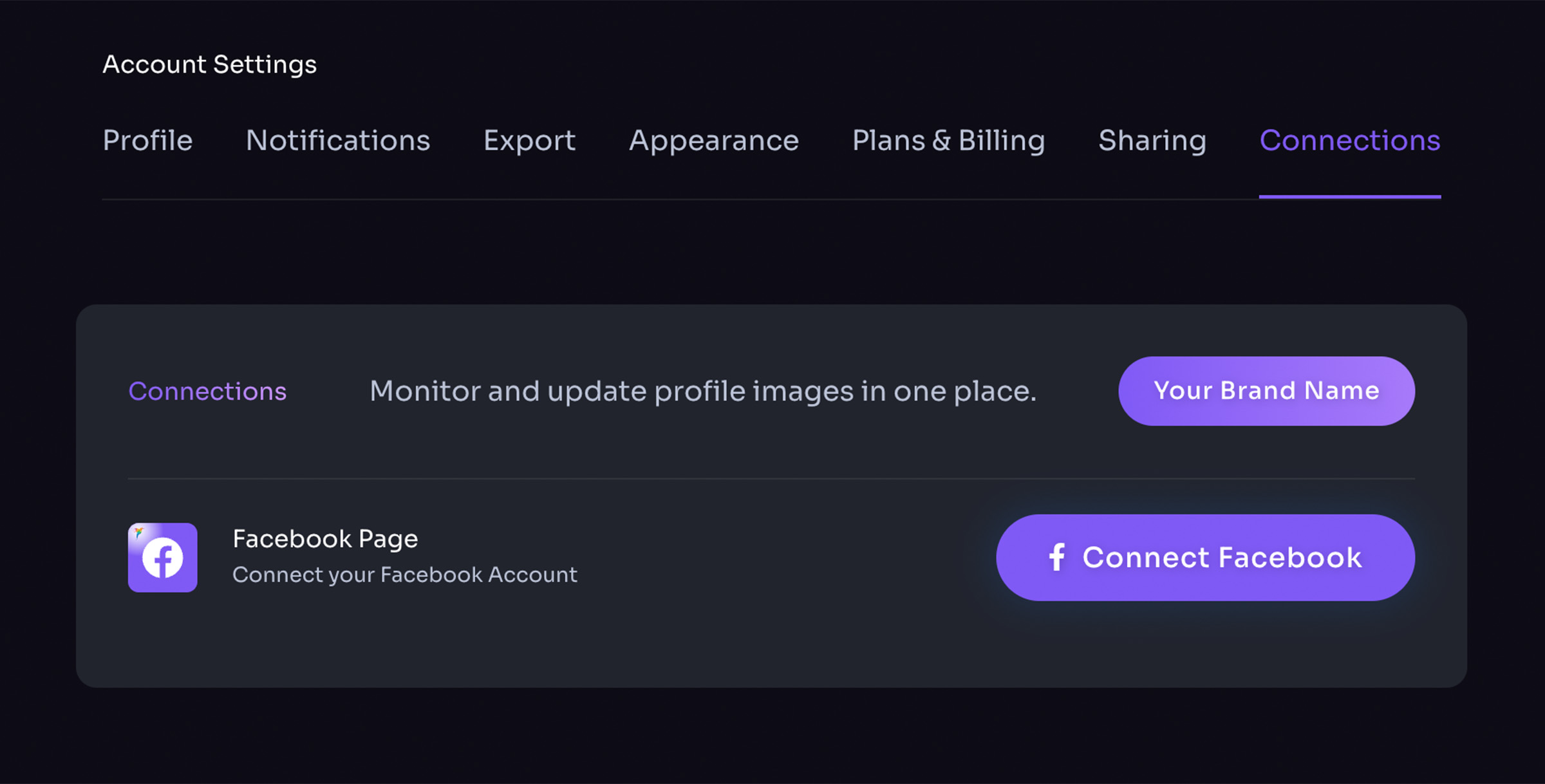
- Select brand
- Connect to Facebook
- Update Facebook cover image
- Update Facebook profile image
AI Agents
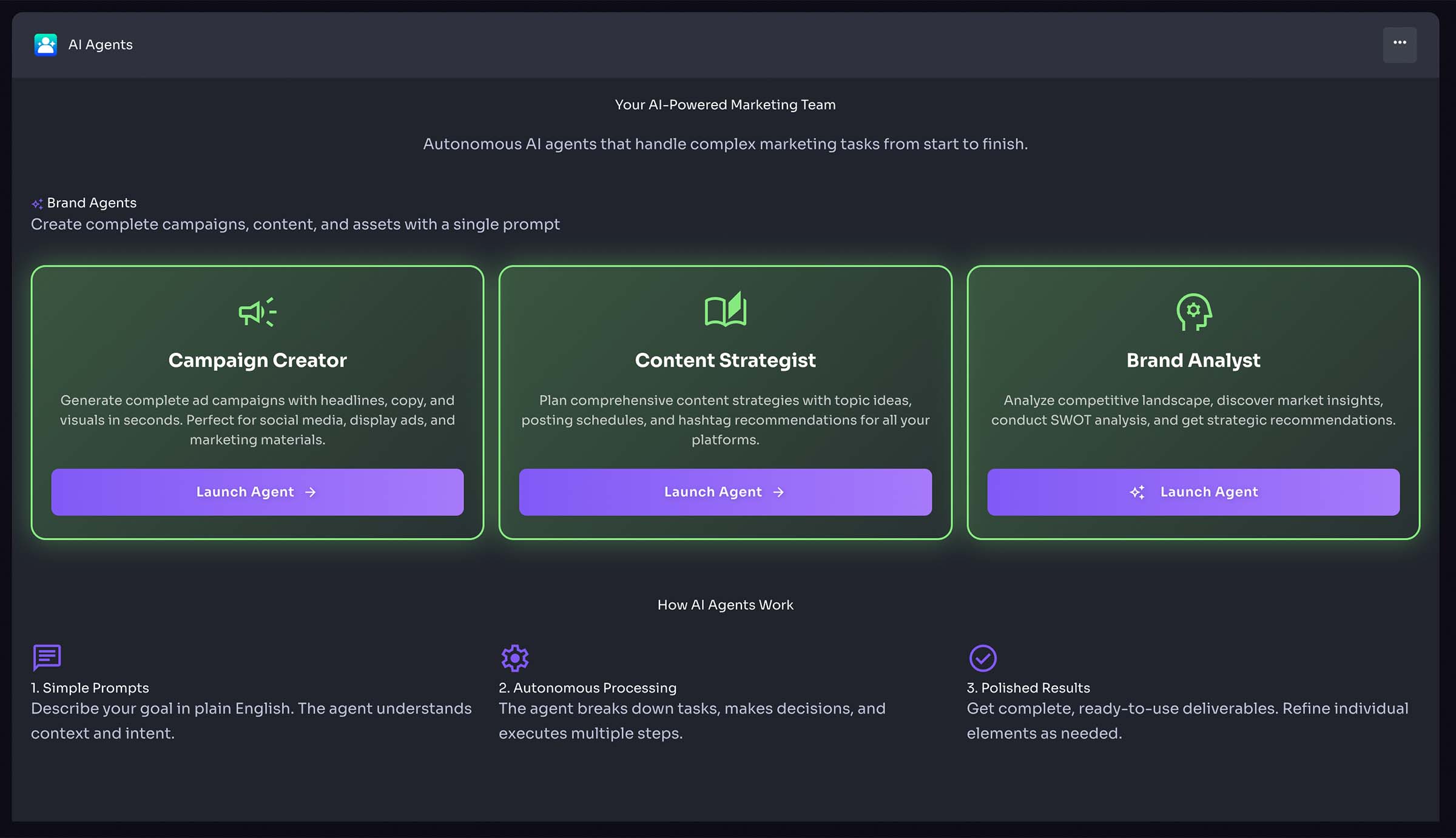
PolyPrism's AI Agents are intelligent assistants that help you create, strategize, and analyze your marketing campaigns with the power of artificial intelligence.
Campaign Creator
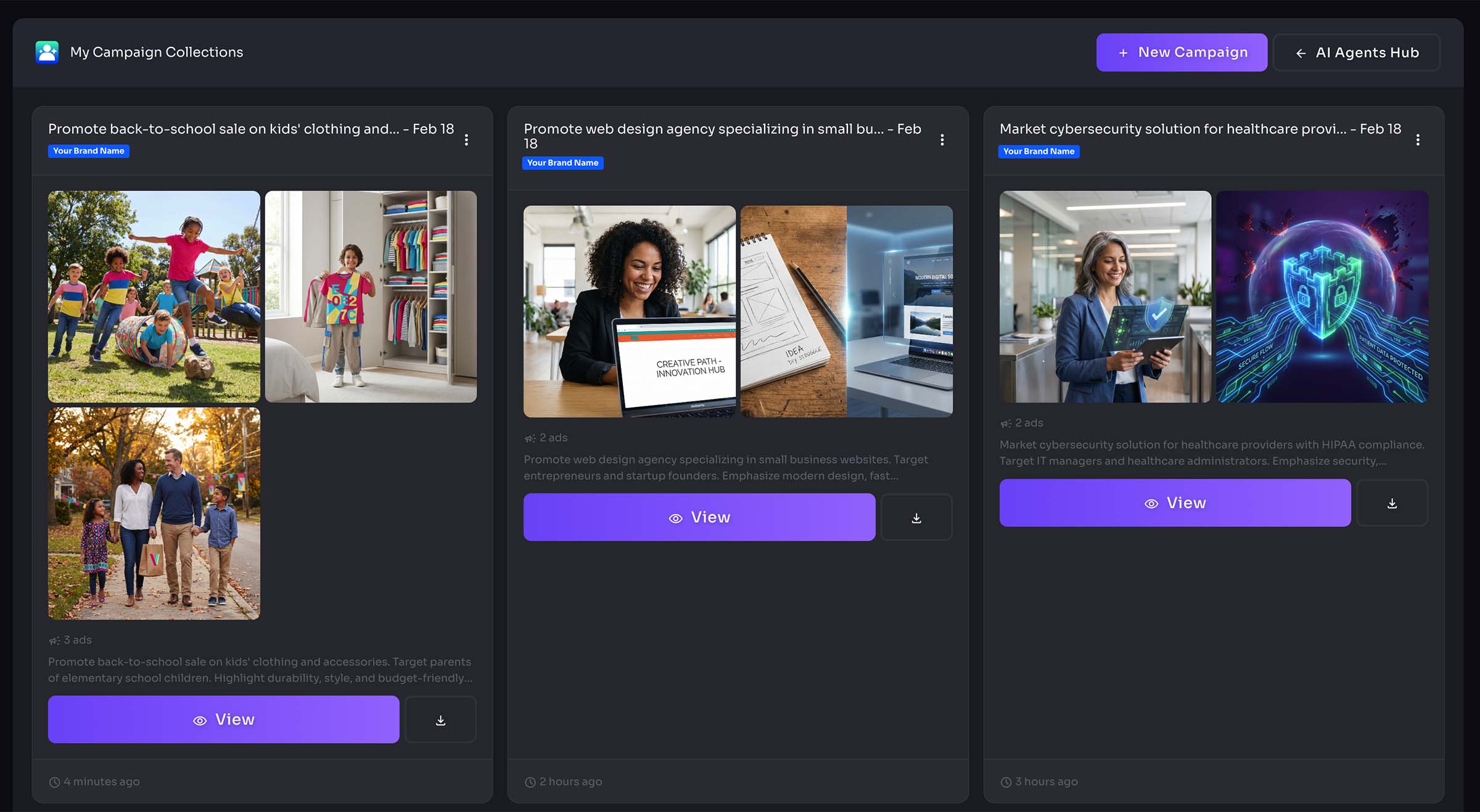
The Campaign Creator agent helps you design comprehensive marketing campaigns from start to finish. Simply describe your campaign goals, target audience, and key messaging, and the AI will generate a complete campaign strategy including ad concepts, messaging variations, and channel recommendations.
- Generate campaign strategies based on your brand and goals
- Create multiple ad variations optimized for different platforms
- Receive AI-powered recommendations for campaign timing and targeting
- Export campaign assets directly to your ad sets
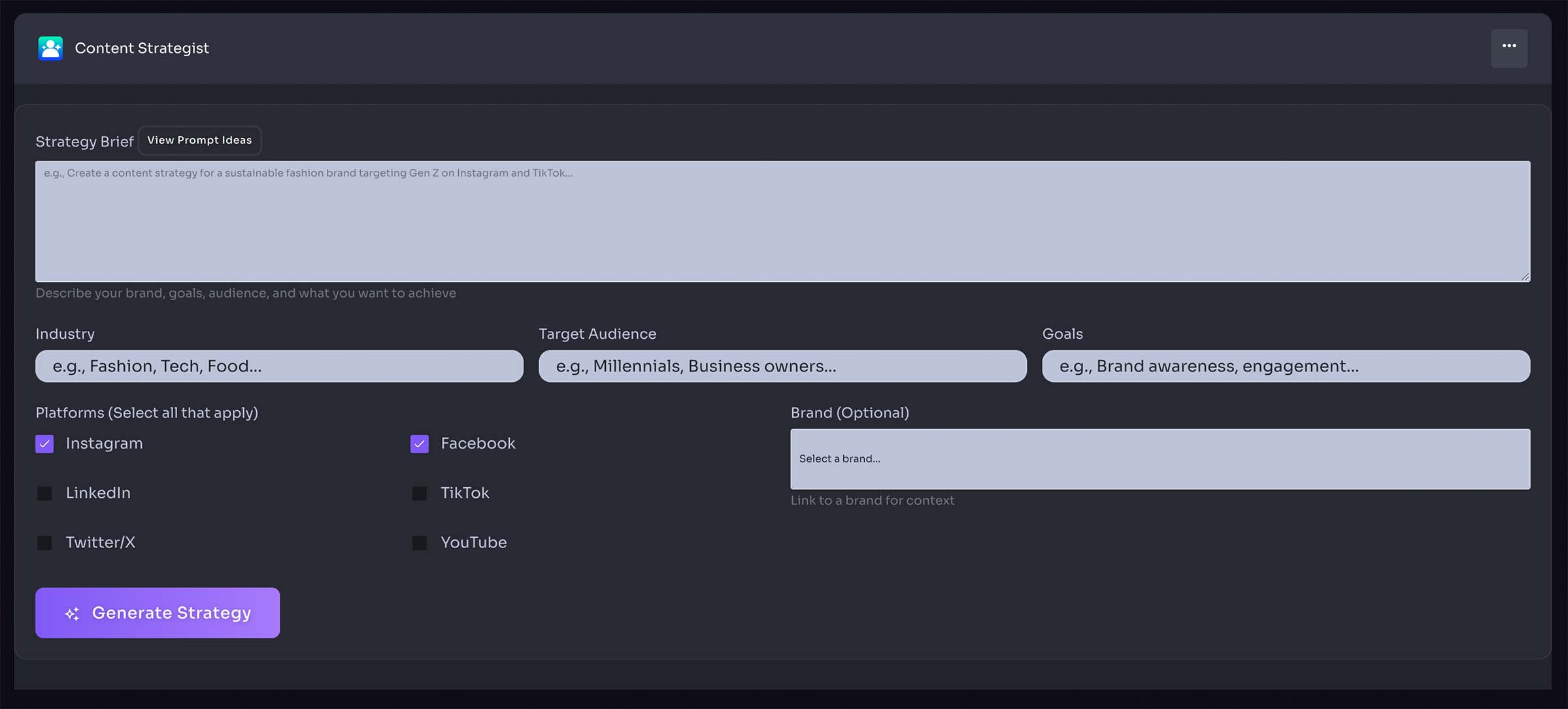
Content Strategist
The Content Strategist agent analyzes your brand and industry to create data-driven content strategies. Get personalized recommendations for content topics, posting schedules, and engagement tactics tailored to your audience.
- Analyze trending topics in your industry
- Generate content calendars with optimized posting times
- Create audience-specific content recommendations
- Receive SEO-optimized content suggestions
- Get platform-specific content format recommendations
Brand Analyst
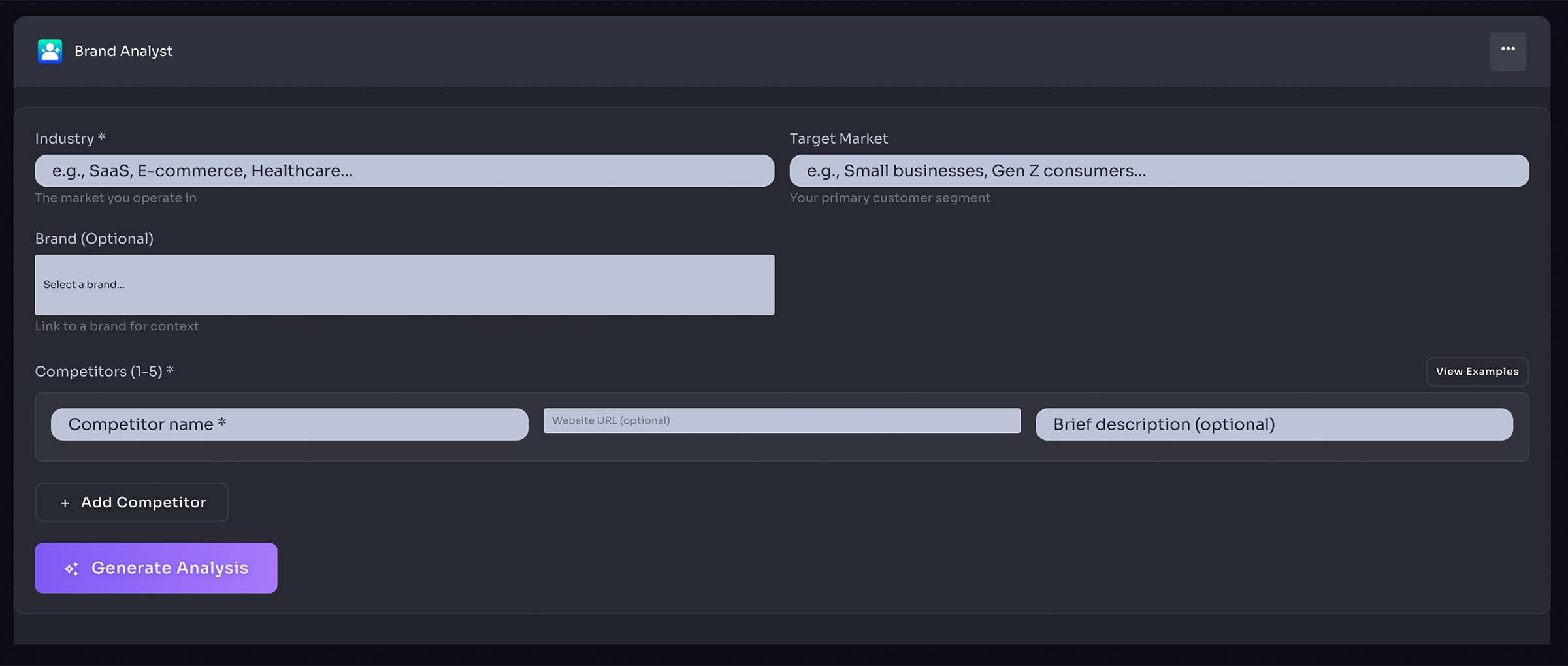
The Brand Analyst agent provides deep insights into your brand's performance, competitive positioning, and market opportunities. Receive actionable intelligence to strengthen your brand strategy and stand out in your market.
- Analyze brand consistency across all touchpoints
- Identify gaps in your brand messaging and visual identity
- Receive competitive analysis and positioning recommendations
- Get insights on brand perception and market trends
- Discover opportunities for brand evolution and growth
AI Design Studio
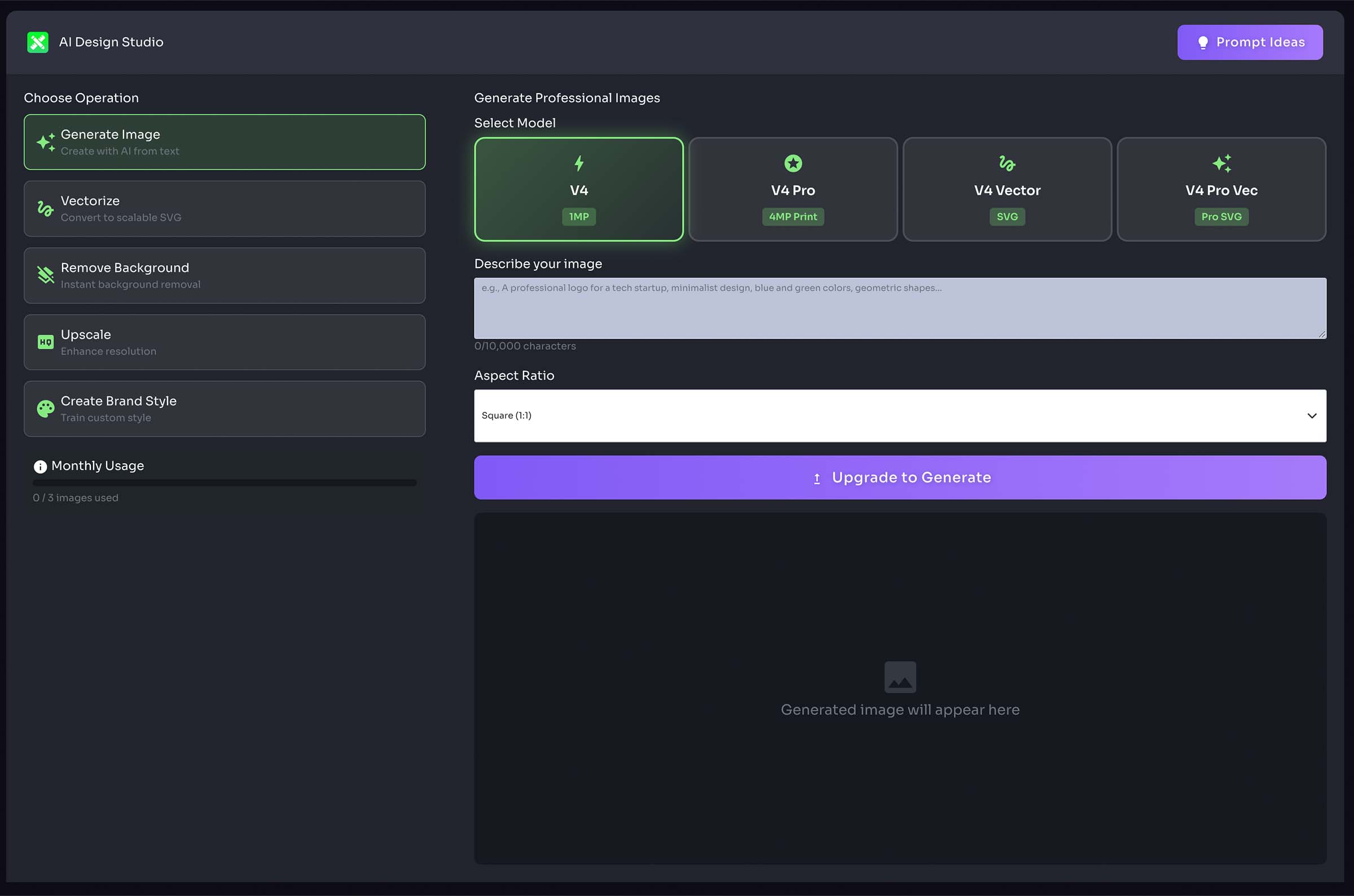
AI Design Studio is PolyPrism's professional-grade AI image generation and manipulation suite, powered by advanced AI models. Create, enhance, and transform images with production-quality results.
Generate Image
Create with AI from text - Transform your ideas into stunning visuals with AI-powered image generation. Choose from multiple models including standard, pro, vector, and pro vector options to match your project needs.
- Generate images from text descriptions using advanced AI models
- Select from multiple quality levels (1MP to 4MP print-ready)
- Create raster or vector images based on your needs
- Integrate brand colors automatically into generated images
- Apply custom brand styles trained on your reference images
- Choose from various aspect ratios (1:1, 16:9, 9:16, 4:3, 3:2)
Vectorize
Convert to scalable SVG - Transform raster images into infinitely scalable vector graphics. Perfect for logos, icons, and illustrations that need to work at any size.
- Upload PNG, JPG, or WEBP images for conversion
- Receive production-ready SVG files
- Maintain image quality at any scale
- Perfect for print materials and responsive designs
Remove Background
Instant background removal - Automatically remove backgrounds from images with precision AI detection. Get clean cutouts in seconds for product photos, portraits, and more.
- One-click background removal
- Advanced AI edge detection for precise cutouts
- Support for complex subjects including hair and transparent objects
- Download transparent PNG files ready for use
Upscale
Enhance resolution - Increase image resolution up to 4K while preserving or enhancing quality. Choose between crisp upscaling for sharper results or creative upscaling for AI-enhanced details.
- Upscale images 20-40x while maintaining quality
- Choose between Crisp (sharper) or Creative (AI-enhanced) modes
- Transform low-resolution images into print-ready assets
- Perfect for enlarging logos, product photos, and marketing materials
Create Brand Style
Train custom style - Upload 1-5 reference images to train a custom AI style unique to your brand. Use your custom style across all future image generations for consistent, on-brand results.
- Upload 1-5 reference images representing your desired style
- Train custom styles for specific brands
- Choose base style categories (digital illustration, realistic, vector, icon)
- Apply custom styles to all image generation operations
- Manage multiple brand styles for different projects
- Ensure visual consistency across all AI-generated assets
Pro Tip: AI Design Studio is available for PolyPremium and PolyPro subscribers. Access all operations from the AI Design Studio page.
Claude Skills
Claude Skills gives you access to Claude AI directly within PolyPrism, enabling you to leverage Anthropic's powerful language model for your brand's content, strategy, and creative needs.
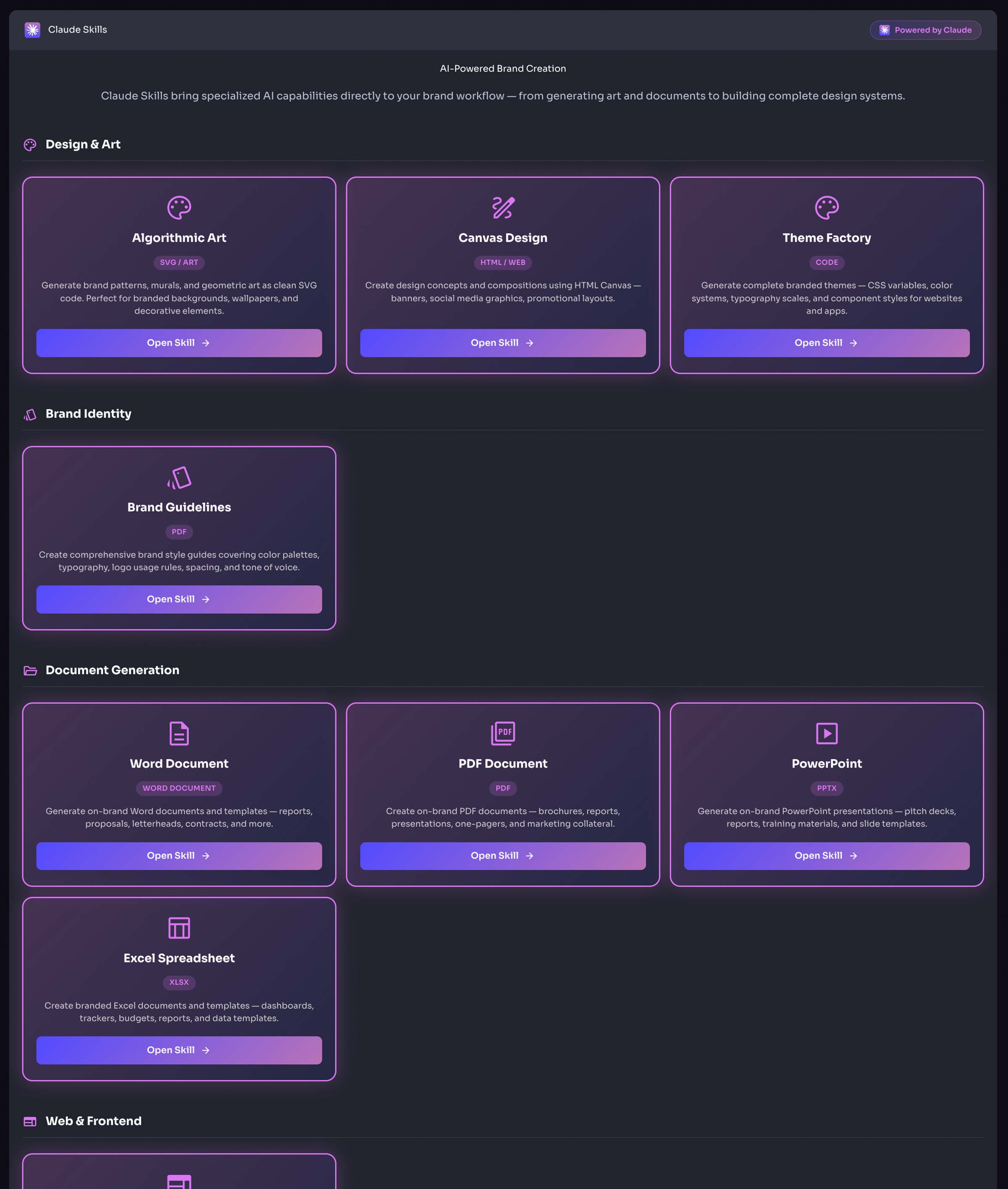
What You Can Do with Claude Skills
- Generate on-brand copy, headlines, and messaging using Claude AI
- Get expert writing assistance for blog posts, social captions, and ad copy
- Ask Claude to analyze and improve your existing content
- Use Claude for brainstorming campaign ideas and creative concepts
- Leverage multi-turn conversations for iterative content refinement
Pro Tip: Combine Claude Skills with your brand context to get responses that are tailored to your brand voice and guidelines.